Vent Blog
Learn, stay informed & chill

Learn, stay informed & chill
Learn, stay informed & chill
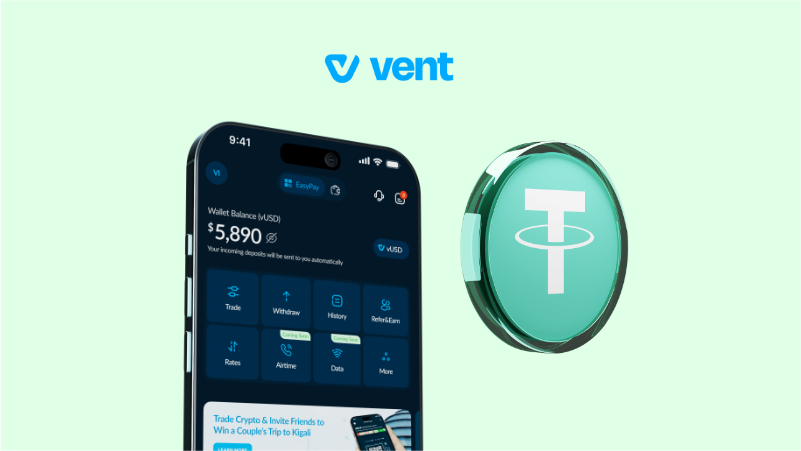
If you’re a business owner, a crypto enthusiast, or just someone saving against inflation, Tether (USDT) is probably your best friend. It’s a stablecoin, which means 1 USDT is always equal to $1. It’s the perfect way to keep your money safe from the unstable movement of the Naira. But when it’s time to actually spend that money, maybe for some Friday night flex or to stock up the house, you need a way to change it to cash without bothering about delays and high transaction fees.
With Vent, the process to convert USDT to Naira is smooth. We know that USDT lives on different “roads” (networks), so we’ve made it possible for you to sell USDT in Nigeria using the network that works best for you. No more looking for buyers or waiting for “payment confirmed” messages.
Here is how to get your USDT to Naira instant payout on Vent.
Ready to cash out? Here is the simple breakdown:
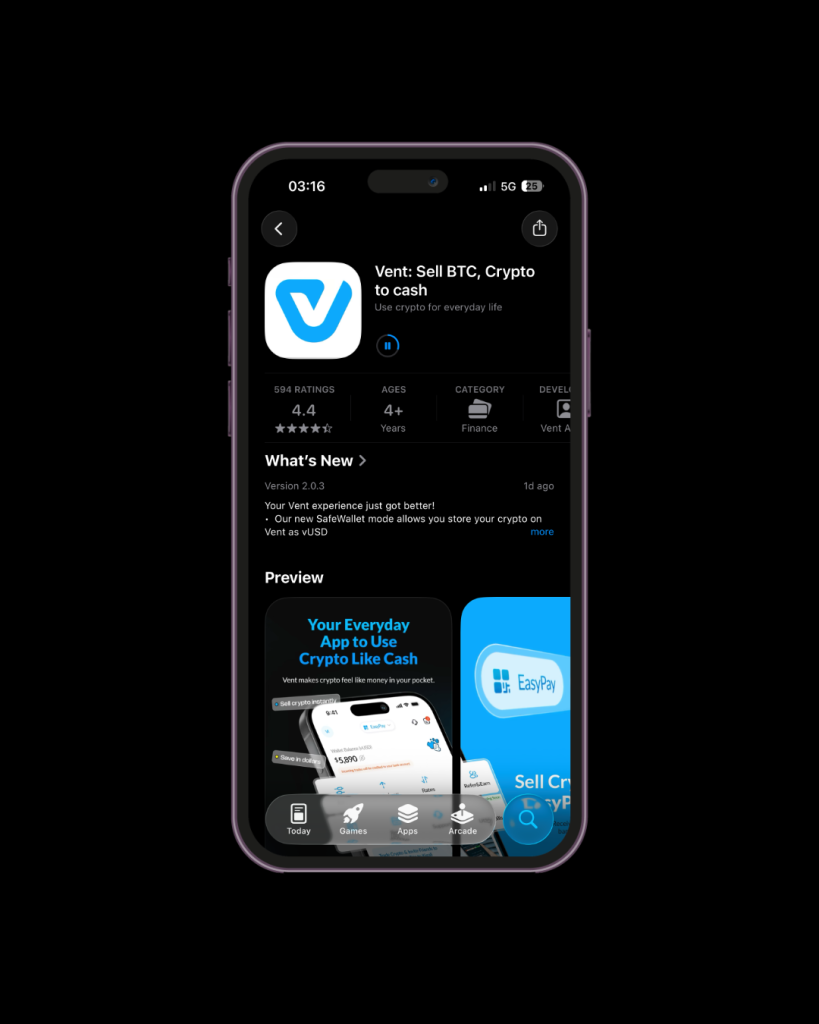
The first thing to do is to download the Vent app on the App Store or Playstore. Another alternative is to use the web app.
Next, create your Vent account and complete the KYC verification in less than ten minutes. We made a quick guide just to help you with the process.
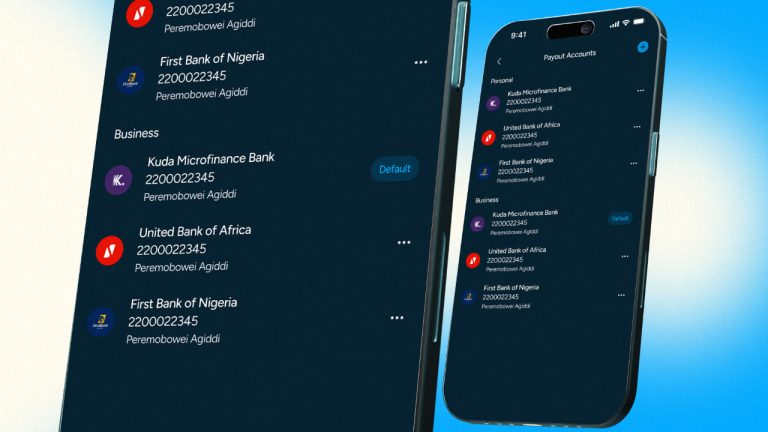
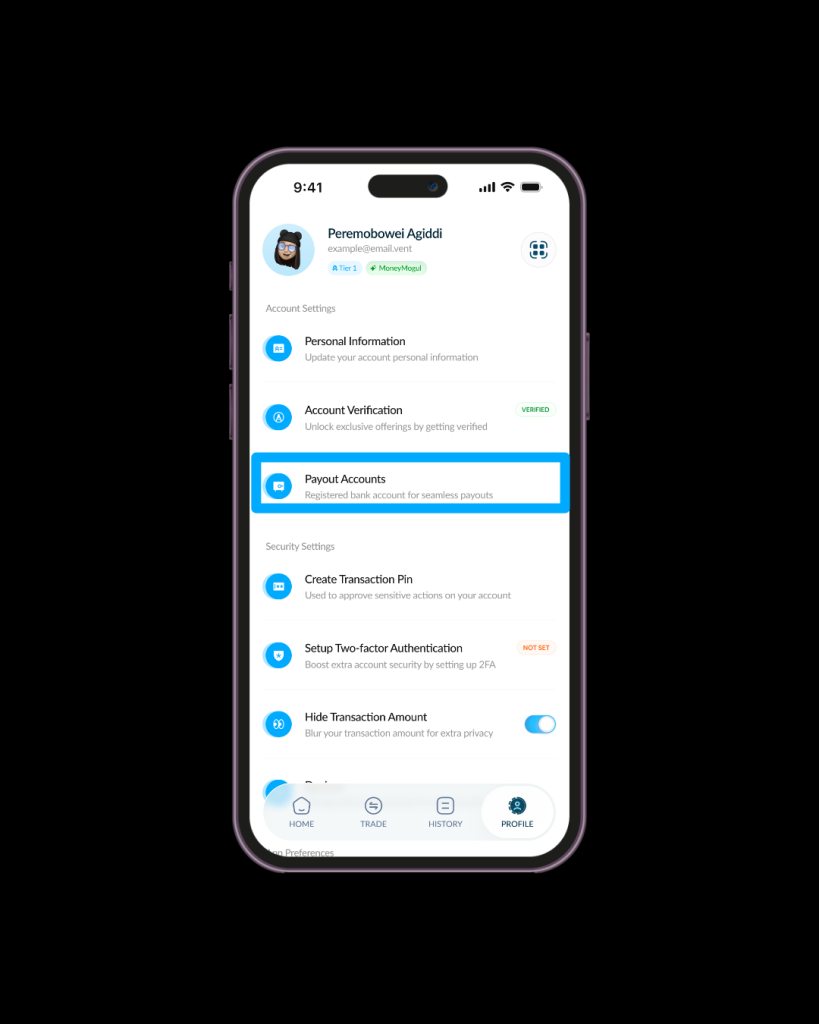
On the homepage, go to “profile” and click on “payout accounts” to add your bank details. This is where EasyPay will send your Naira. You can link up to four different Nigerian bank accounts, so you’re always in control of where the money goes.
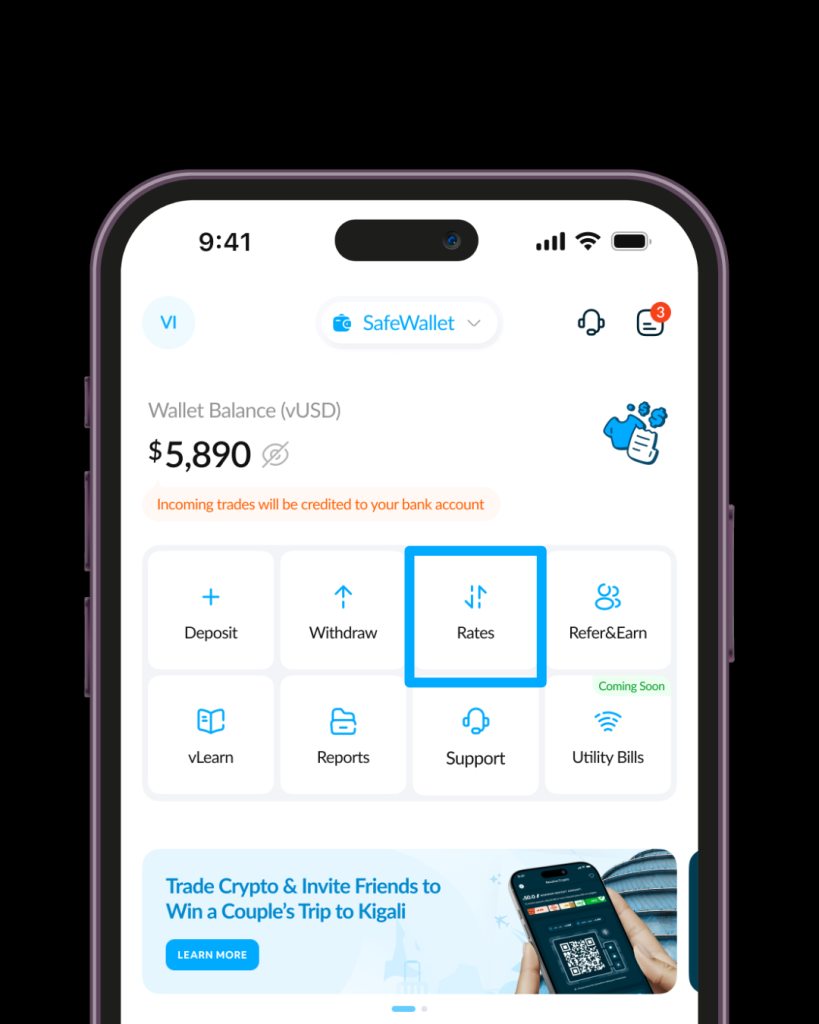
You can see the current USDT-to-Naira exchange rate in the app before you send. Click on “rates” on your dashboard to see the live rates. We keep our rates top-notch so you get the most Naira for your dollars. The higher your trade amount, the juicier the rates you get.
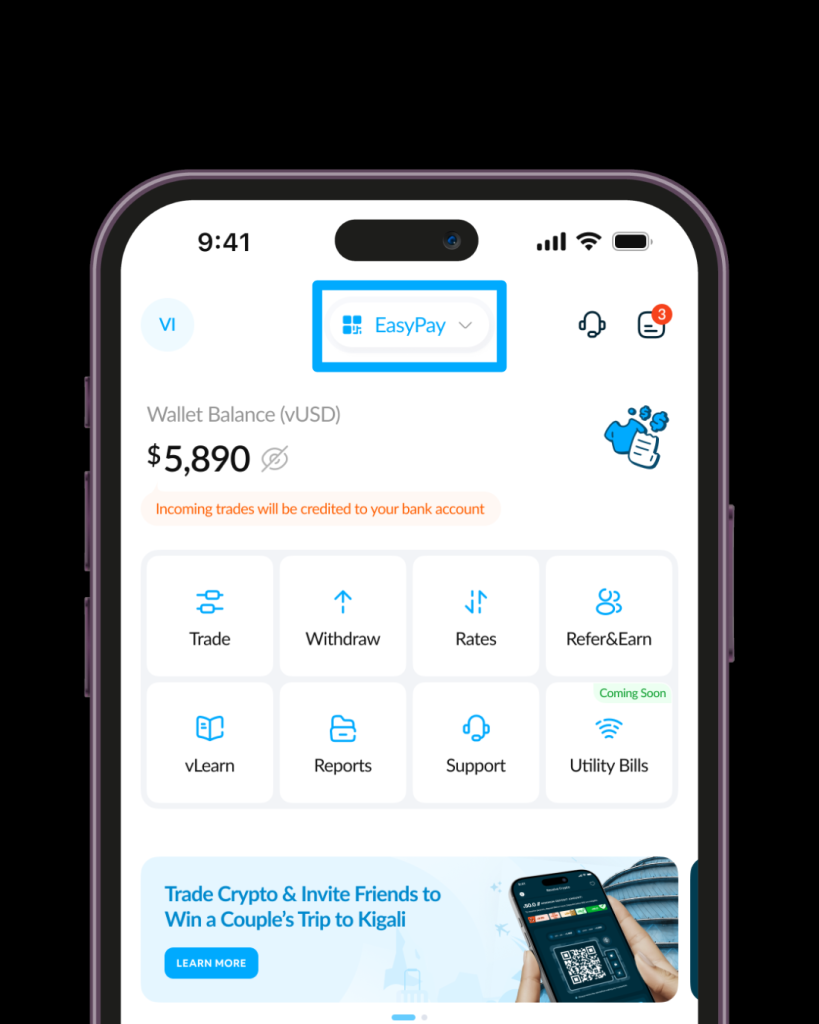
Before you proceed, make sure to confirm that you’re on the EasPay mode. To switch to EasyPay, click on the button that says “SafeWallet” at the top of your dashboard and drag the slider to EasyPay.
Tap the “Trade” button on your dashboard. From the list of tokens, select Tether (USDT). Make sure to choose the same network that matches your external wallet. Vent supports USDT on BEP20, TRC20 and Solana.
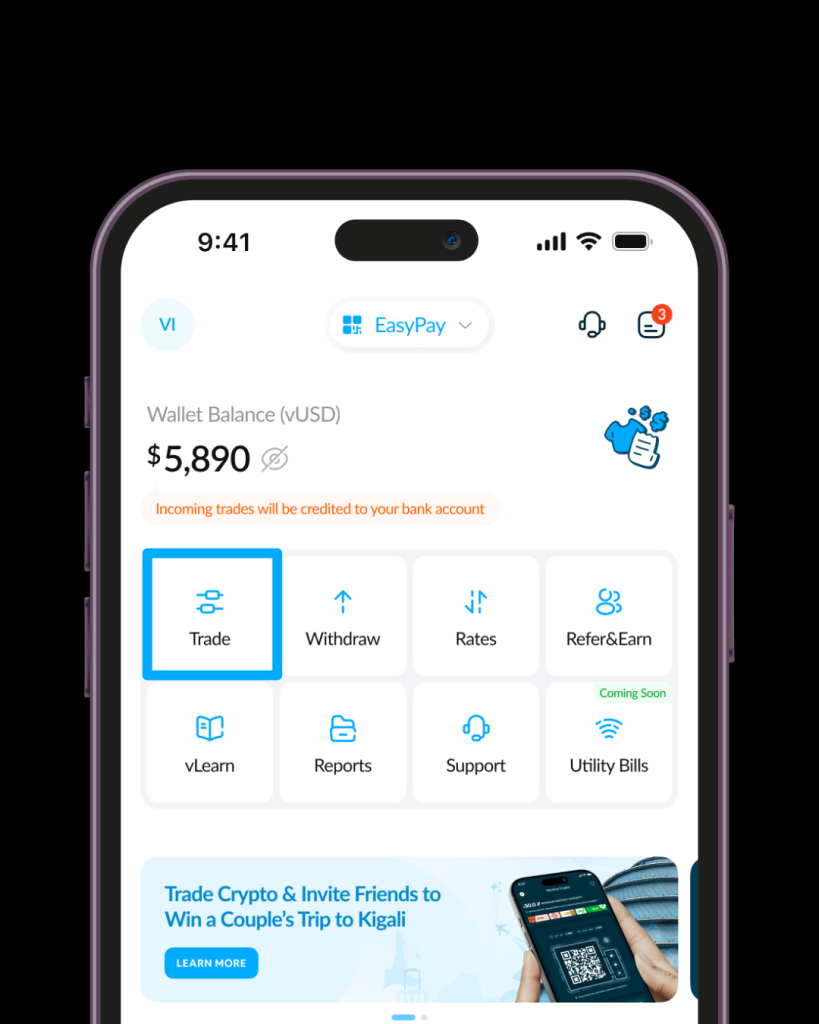
⚠️Warning: If you send TRC-20 USDT to a BEP-20 address, your money will be lost forever. Always double-check!
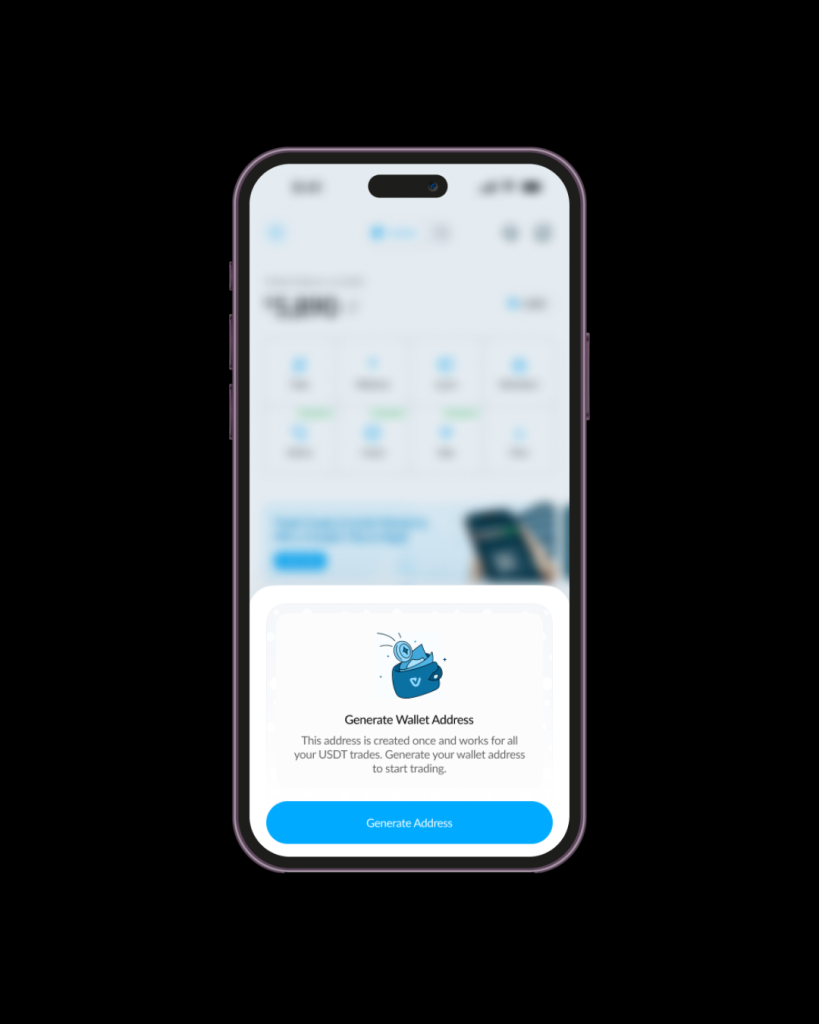
Click on “Generate Wallet” to create your USDT wallet. Make sure to read the alert carefully before proceeding. You’ll receive a pop-up notification confirming that your wallet has been generated.
Once you pick your network, Vent will show you a unique address and a QR code. Copy it carefully. Go to your other wallet (like Binance, Trust Wallet, or Bybit) and paste the address.
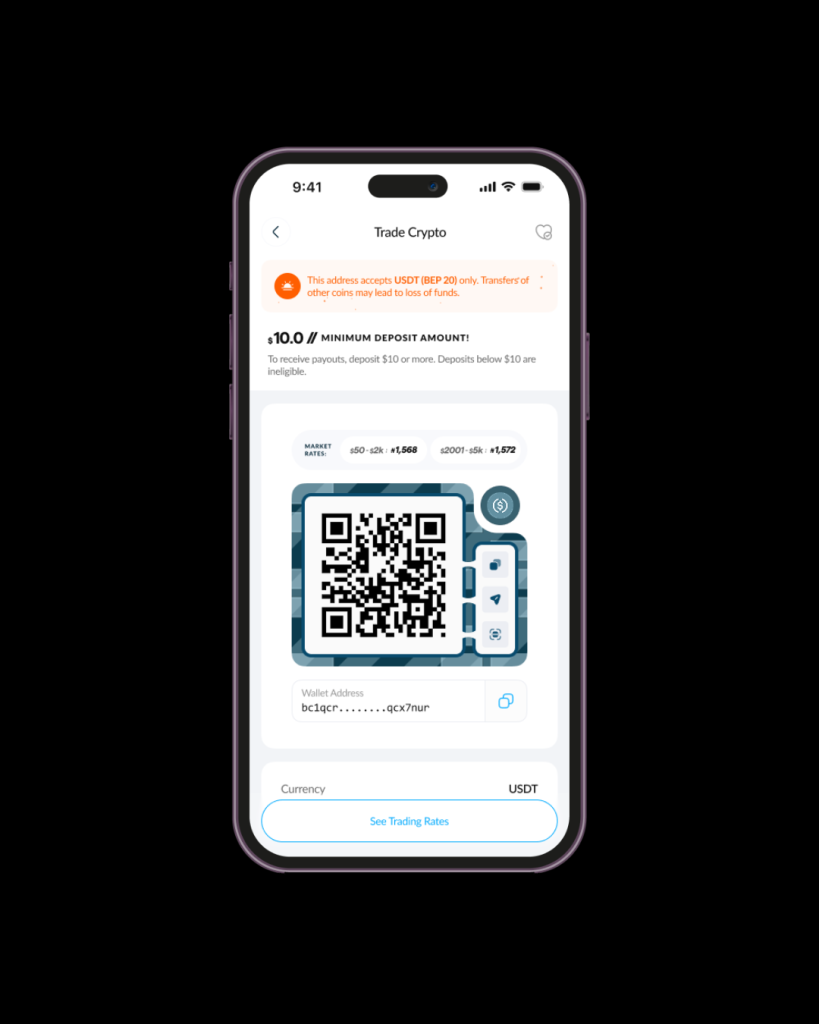
⚠️ Note: Ensure you are sending at least $10 worth of USDT. Deposits smaller than this won’t trigger an automatic payout.
The moment the network confirms your transaction, Vent’s EasyPay kicks in. Your Naira is sent automatically to your bank account. No stress, no “have you seen it?” calls, just the sweet sound of a credit alert.
Vent is the best app to sell crypto for cash, whether you’re trading USDT, Bitcoin (BTC), or Solana (SOL). We’re here to make sure your crypto is as spendable as the cash in your pocket.