Not Receiving Emails from Vent? Here’s How to Fix It


If you’re expecting emails from Vent but they’re landing in Spam, Junk, Promotions, or Updates instead of your main inbox, you’re not alone. This happens sometimes, especially with Gmail, iCloud, Outlook, and Yahoo.
The good news is that this is easy to fix. Below are simple steps to make sure emails from Vent always land where you can see them.
Why Vent Emails May Not Appear in Your Inbox 🤔
Email providers sometimes misclassify automated or security-related emails. This means important messages like login alerts, transaction updates or support replies may be filtered away even though nothing is wrong with your account.
Option 1: Move Vent Emails to Inbox (Gmail Users)
If you find a Vent email in Spam or Promotions, do this once and Gmail will learn from it.
Steps:
1. Open the email.
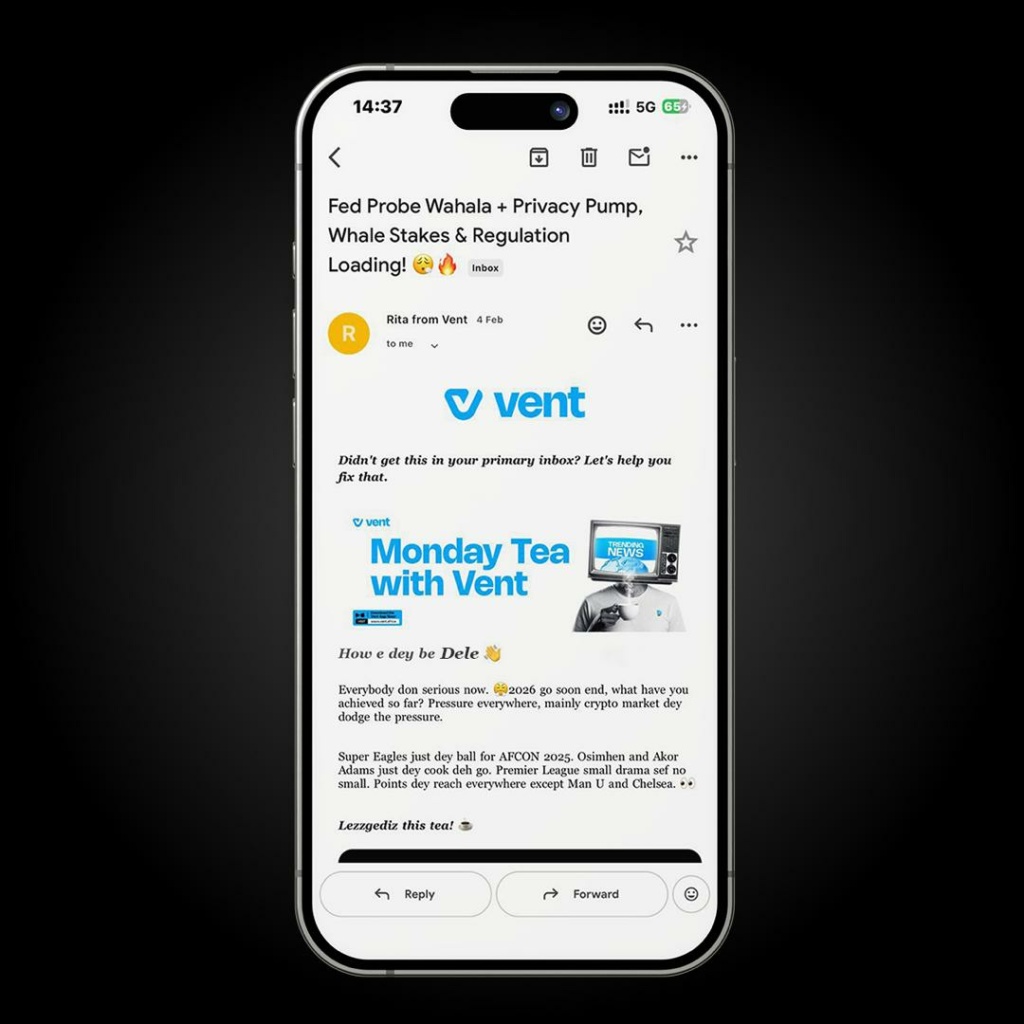
2. Tap the three dots at the top right corner.
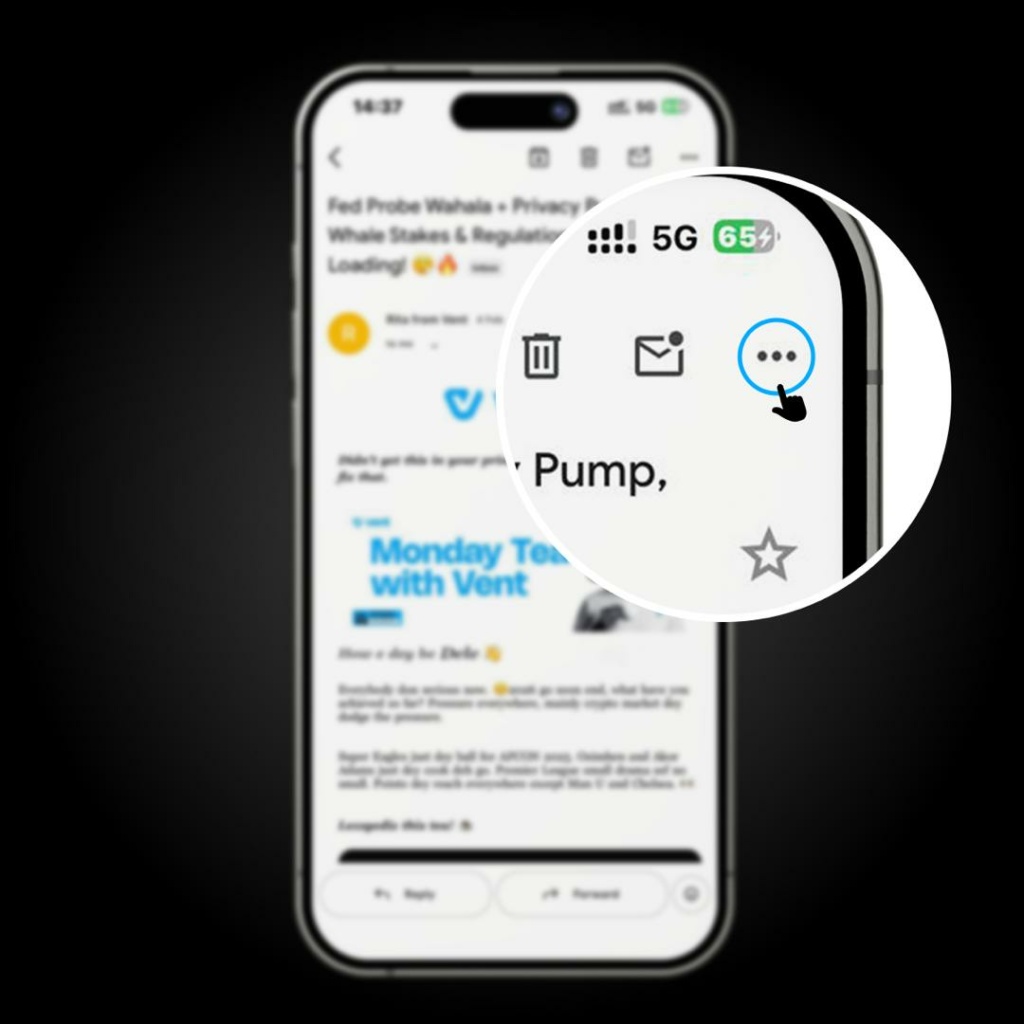
3. Click on “Move to” and choose “Primary”.
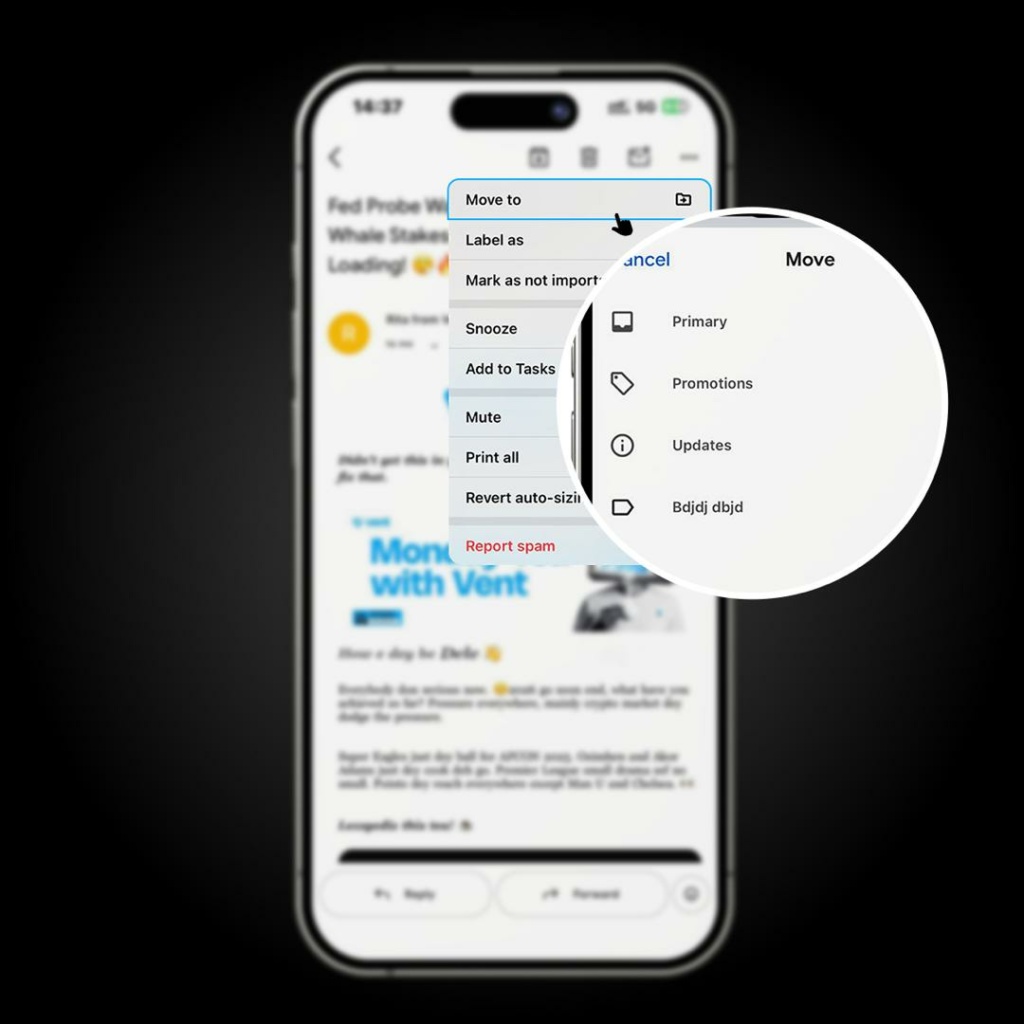
This tells Gmail that you want future Vent emails in your main inbox.
Option 2: Add Vent to Your Contacts
This is the most reliable solution and works across Gmail, iCloud, Outlook, and Yahoo.
How to do it:
1. Open any email you’ve received from Vent.
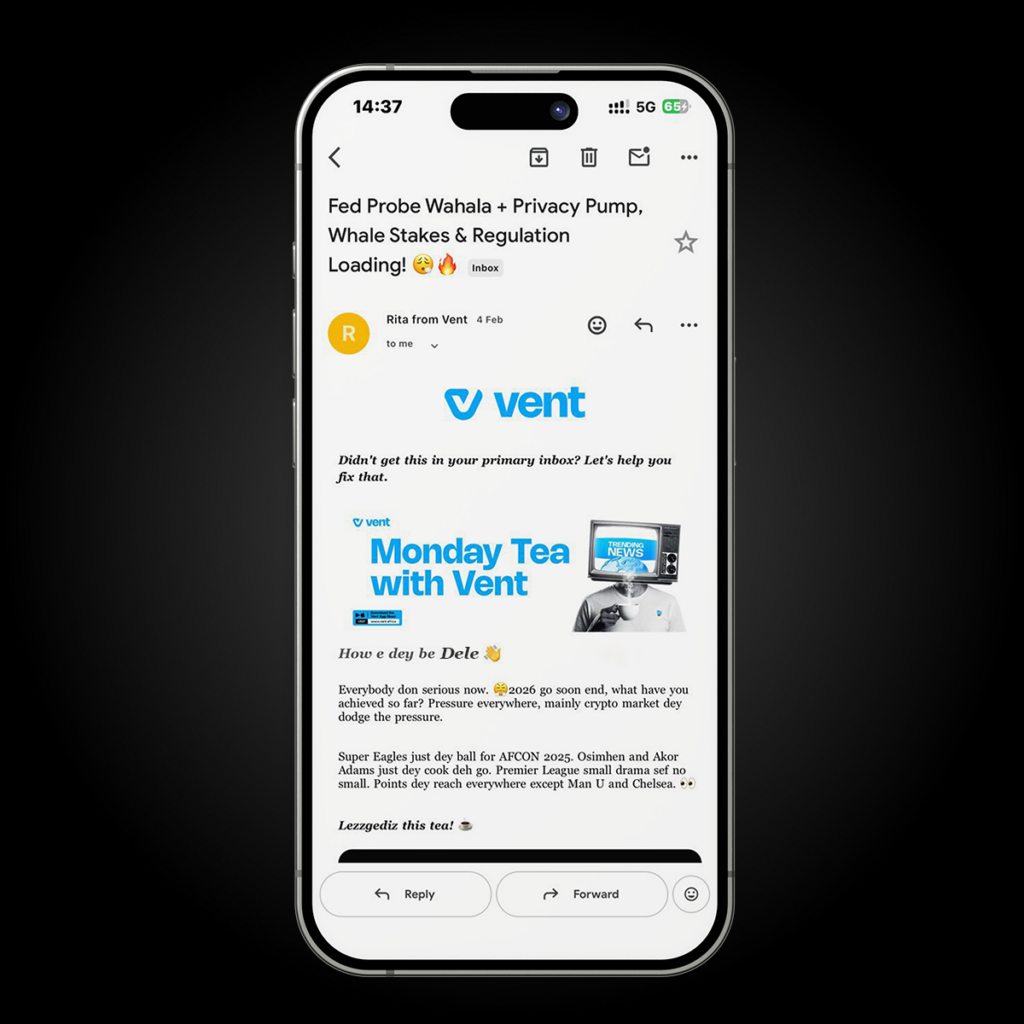
2. Tap or click on the sender’s email address.
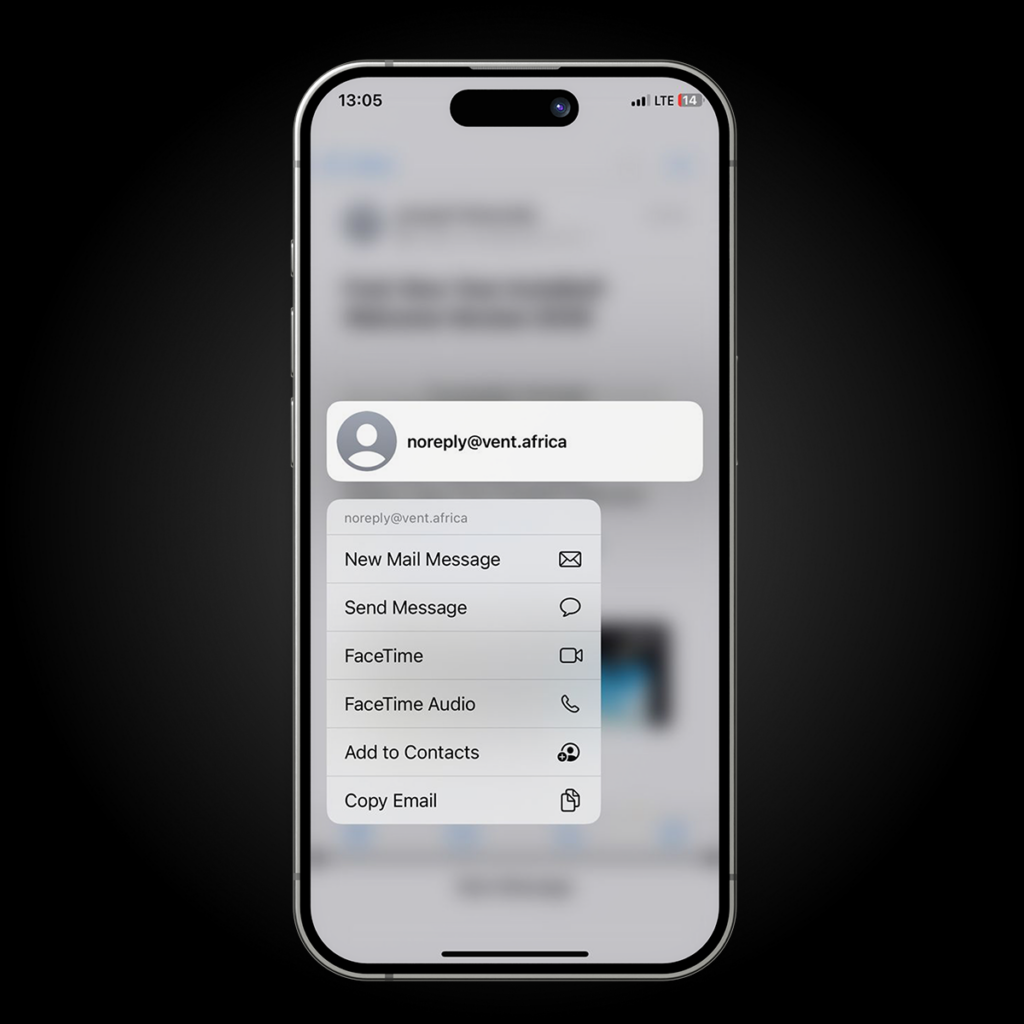
3. Select “Add to Contacts”, “Save Contact”, or “Create New Contact.”
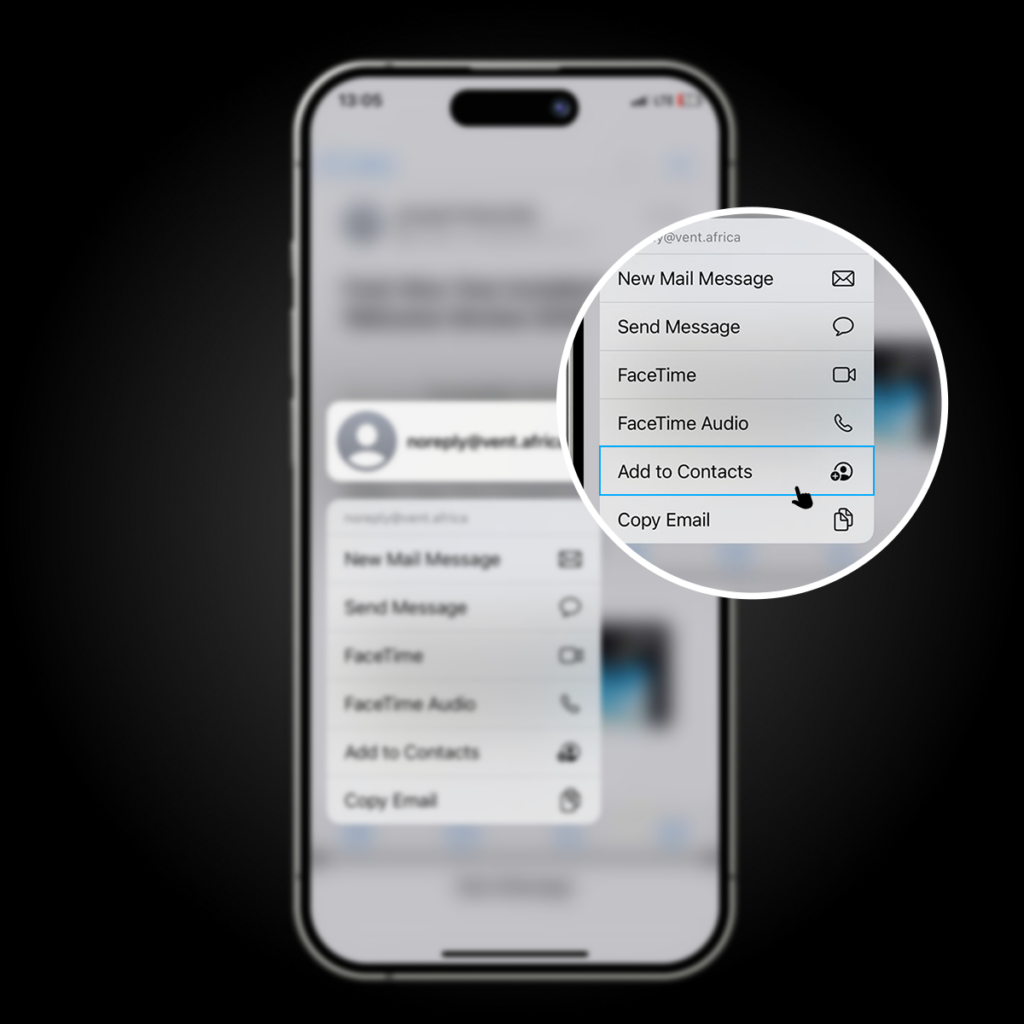
4. Save.
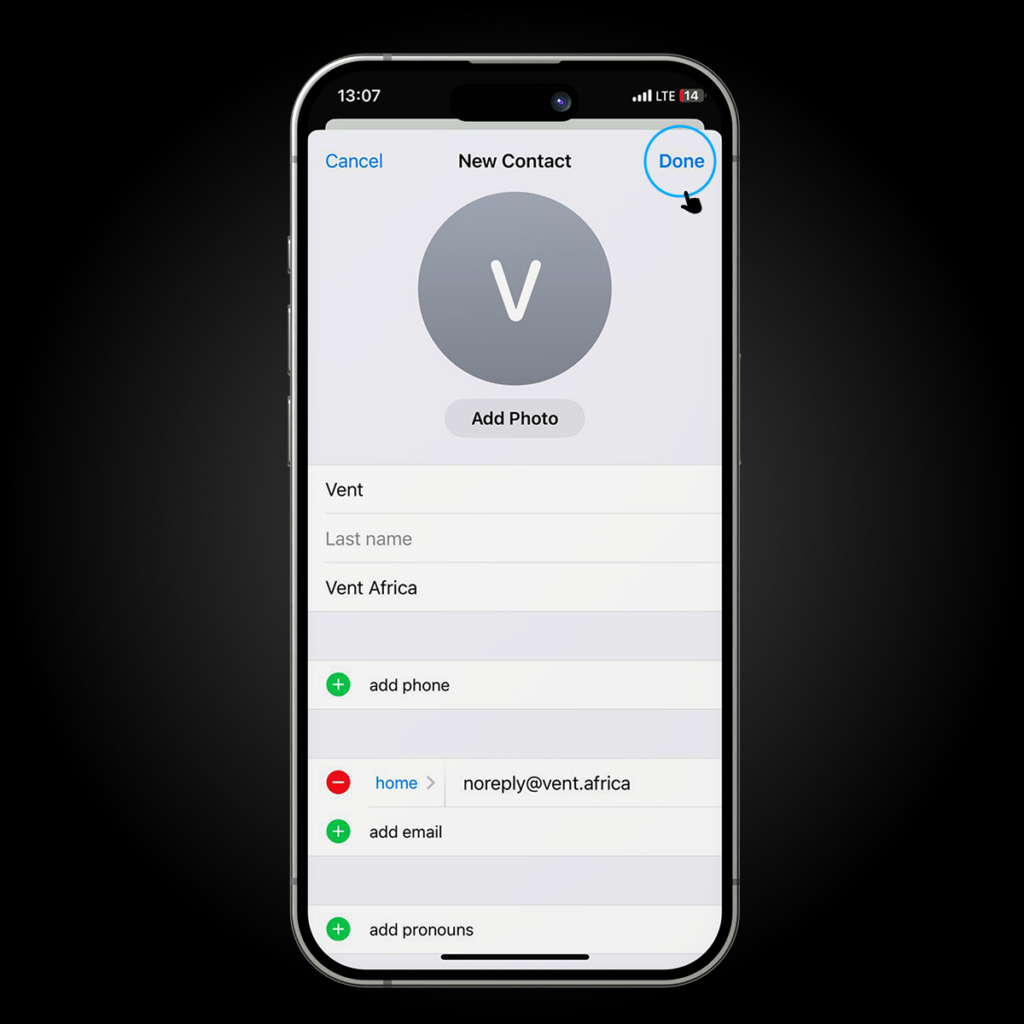
Once Vent is in your contacts, your email provider will trust future emails and deliver them to your inbox.
Option 3: For iPhone (iOS Mail App) — Add Vent to VIP
If you use the default iOS Mail app, this takes just a few seconds.
Steps:
1. Open a Vent email.
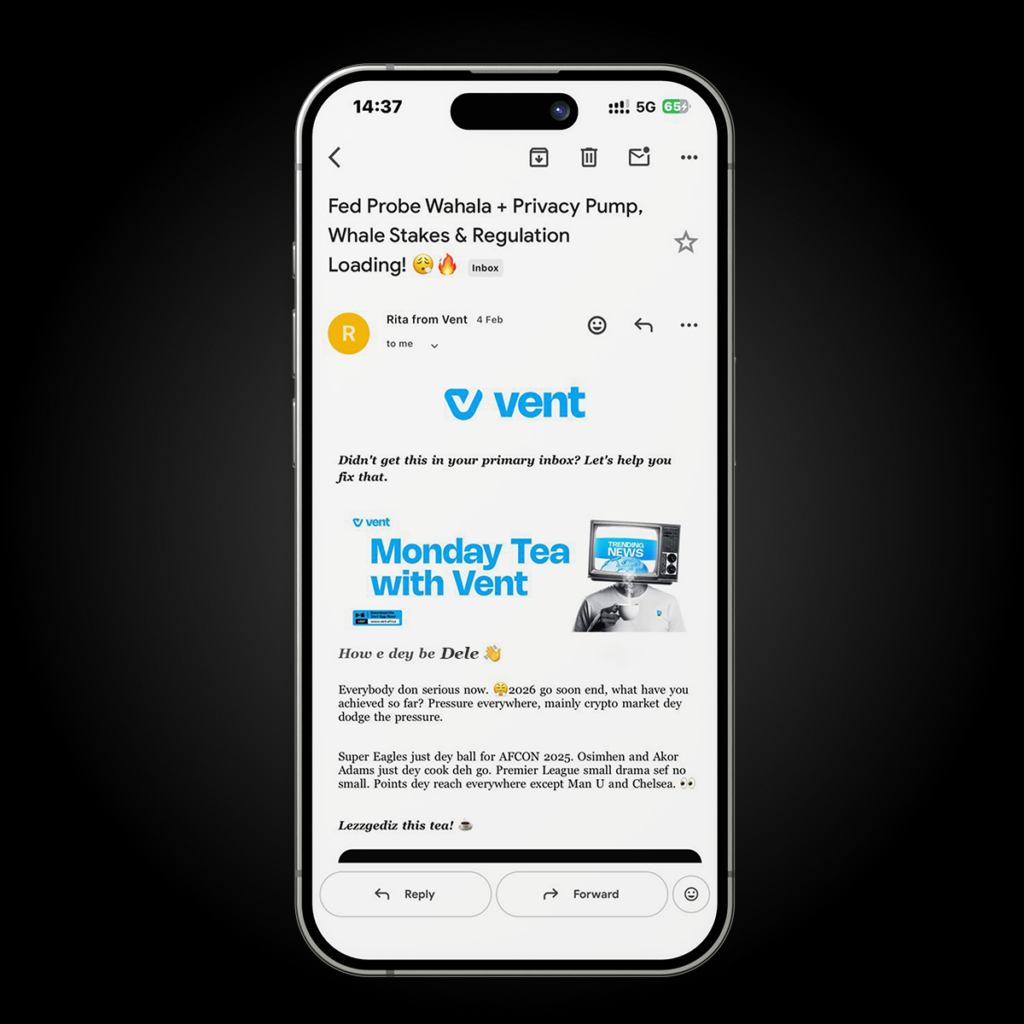
2. Tap the sender’s name at the top.
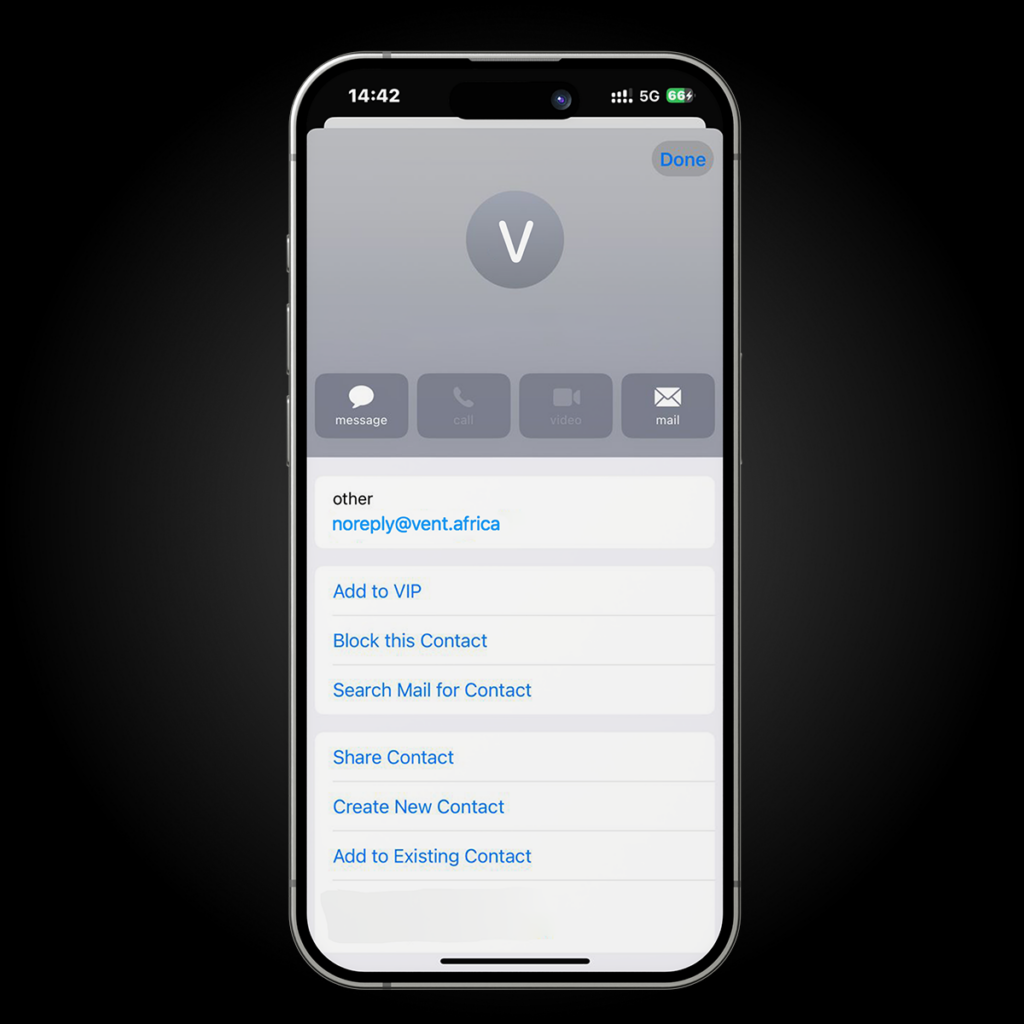
3. Select “Add to VIP.”
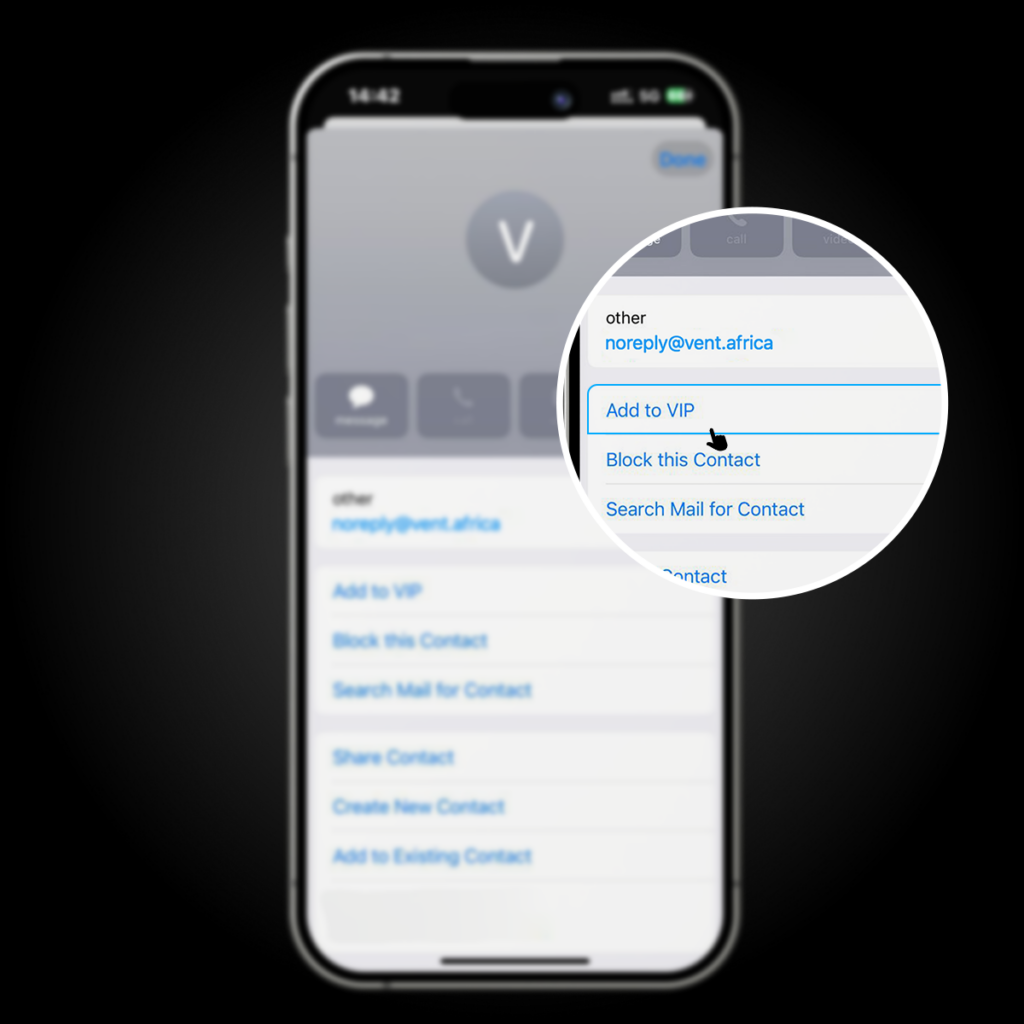
VIP emails are always prioritised and won’t be sent to spam or promotions.
If you’re waiting for a specific email (like a support reply), always check:
- Spam
- Junk
- Promotions
- Updates
Sometimes delivery delays are caused by filters, not Vent.
Final Tip 😉
To avoid missing important updates, always save Vent’s email address to your contacts immediately after signing up. This ensures you never miss transaction alerts, security notices, or support responses.
That’s it—you’re all set.