Vent Blog
Learn, stay informed & chill

Learn, stay informed & chill
Learn, stay informed & chill
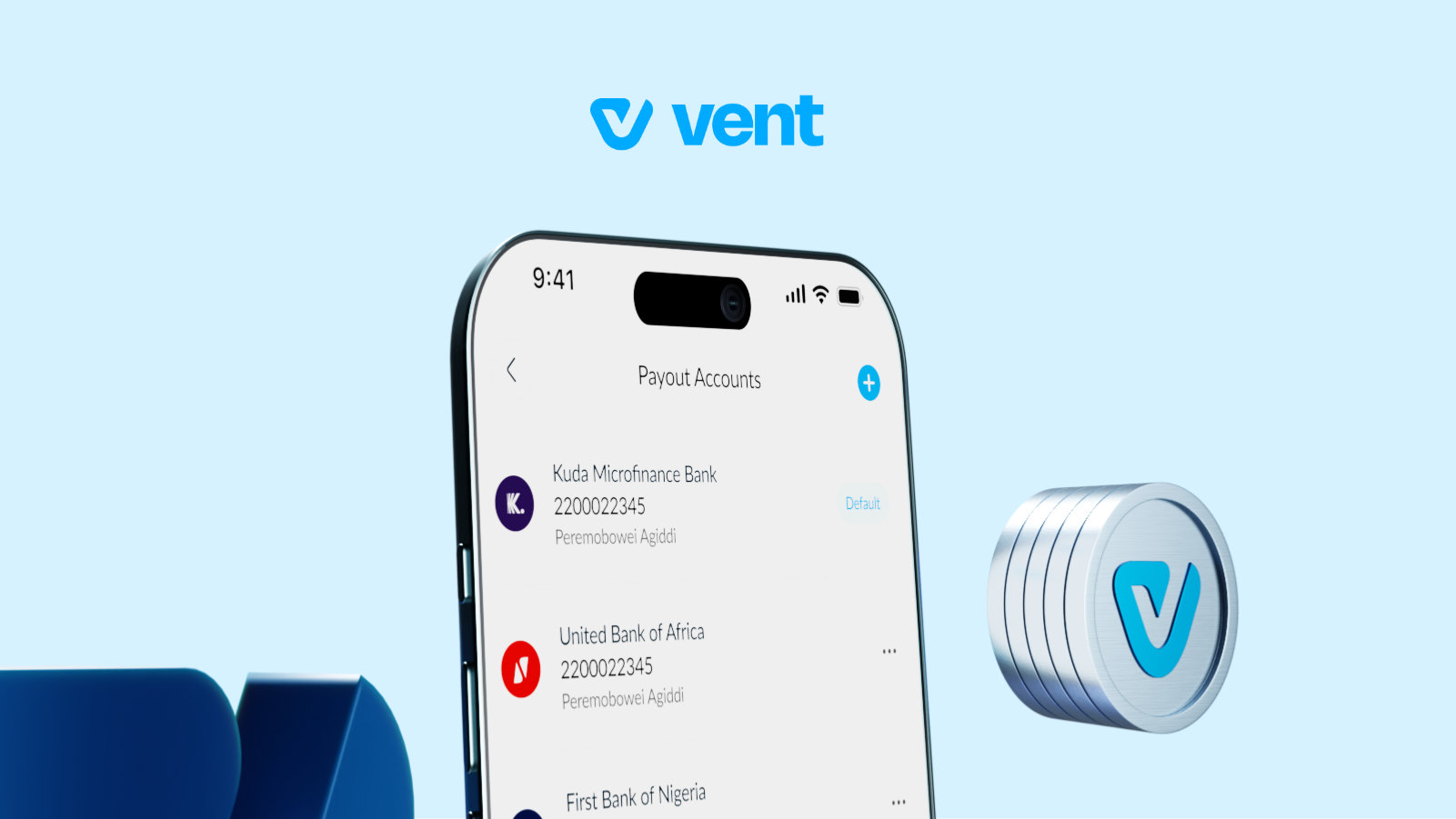
Nothing hurts like completing a crypto transaction successfully and then realising your payout account has issues.
Maybe your main bank is having one of those random downtimes, or the account you linked years ago is no longer active or maybe you simply use different accounts for different things; one for freelance payments, another for business transactions, and another for everyday spending.
That’s why flexibility matters. With Vent, you can add up to four BVN-linked accounts and switch between them anytime you want. You can also choose a default payout account, so your transactions always go where you want them to.
So if one bank decides to misbehave or you just want better control over how you receive payments, you already have backup options ready to go.
Here’s how it works.
Your payout account is the Nigerian bank account linked to your Vent profile for receiving withdrawals and crypto-to-cash payouts. Whenever you convert crypto to cash through EasyPay or withdraw vUSD to Naira from your SafeWallet, Vent sends the money directly to your selected payout account.
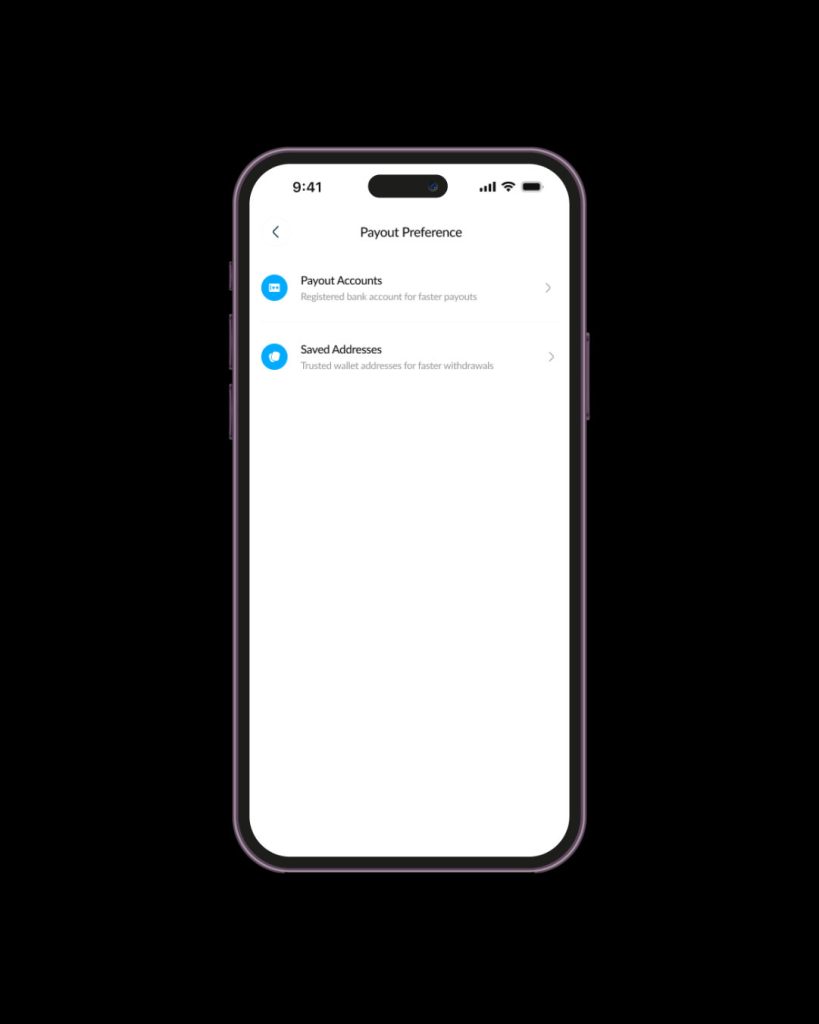
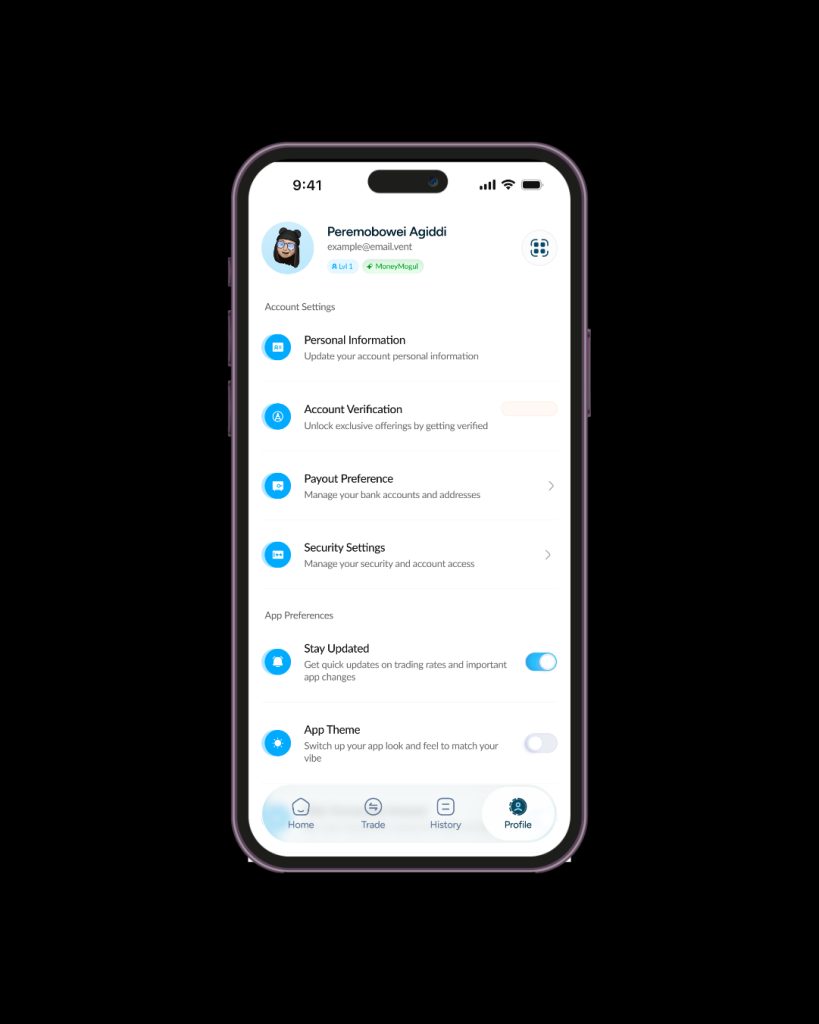
Go to your Profile page and select “Payout Preference”
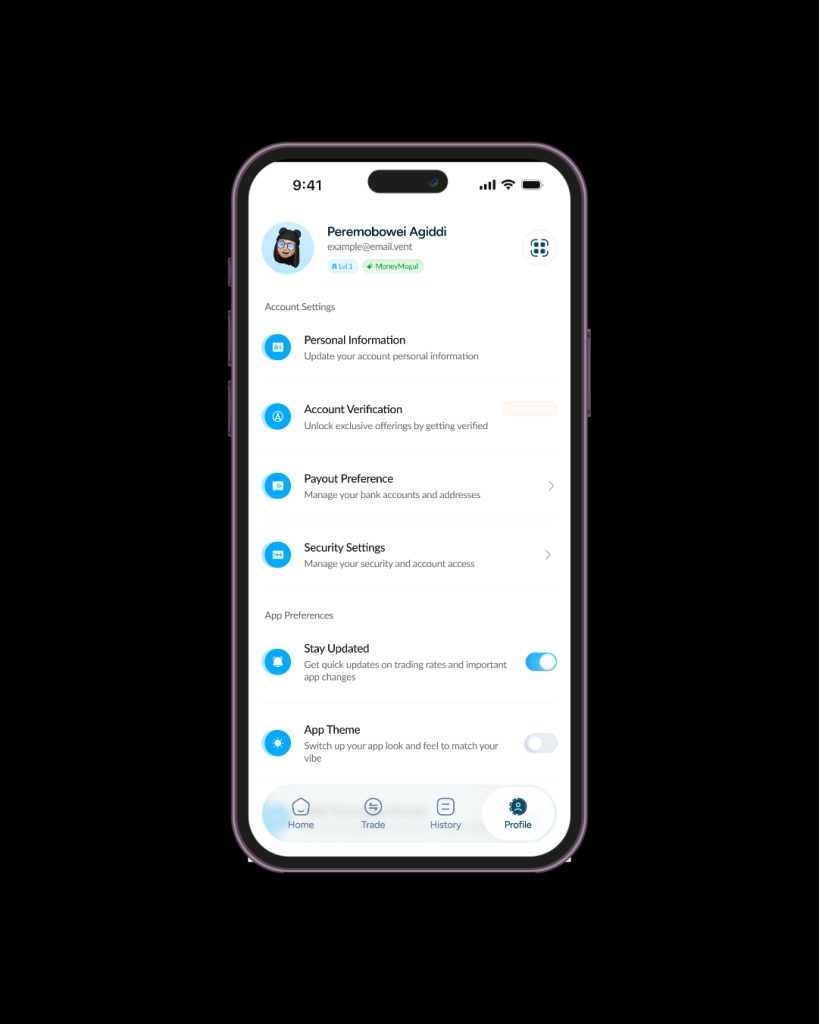
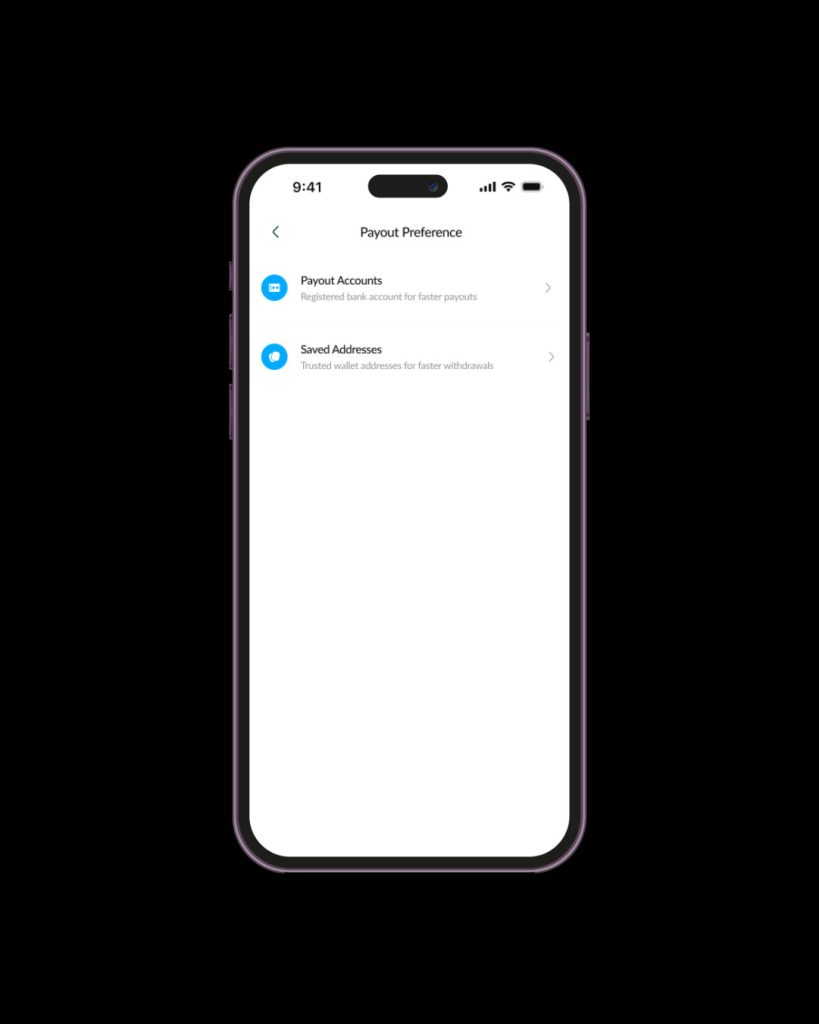
Select “Payout Accounts”.
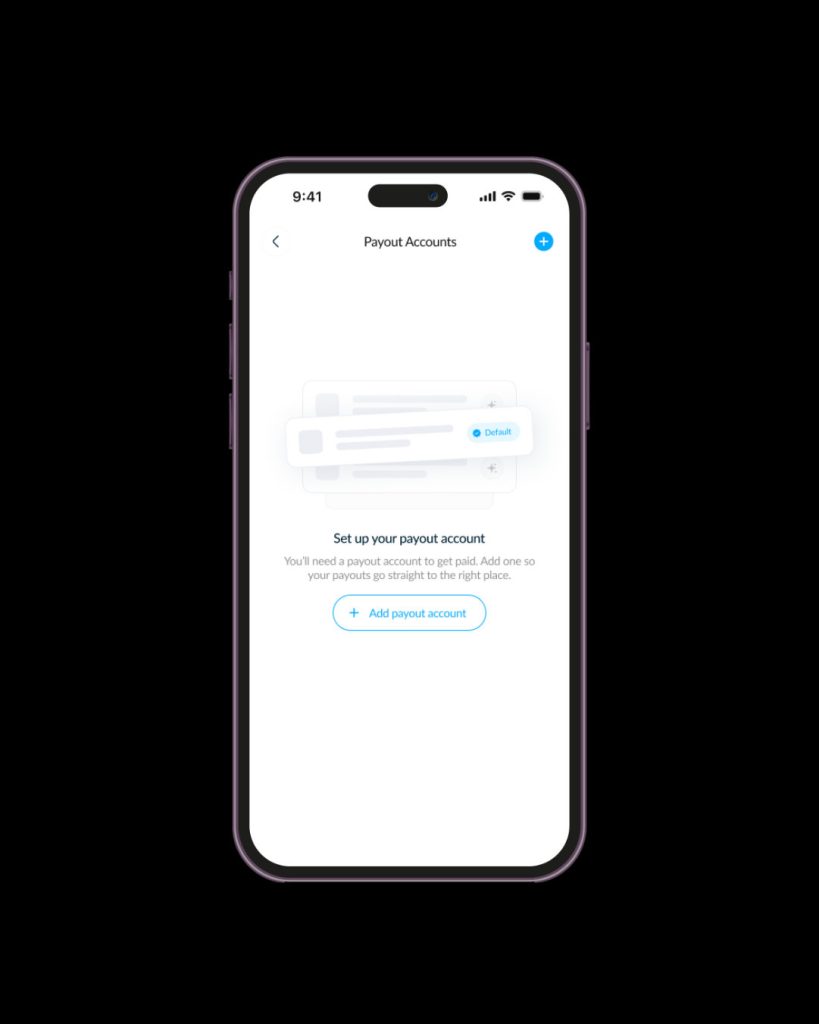
Tap on the plus sign at the top right corner to add a payout account.
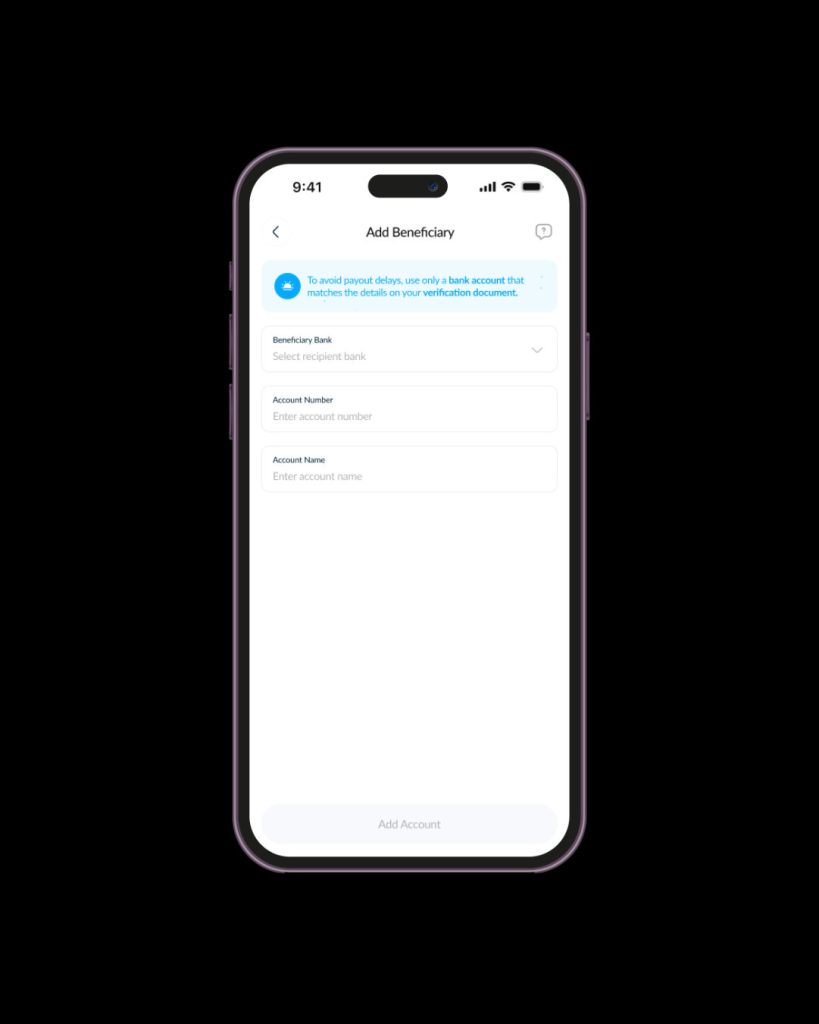
Select the beneficiary bank and type the account number and wait for the system to automatically fill in the name.
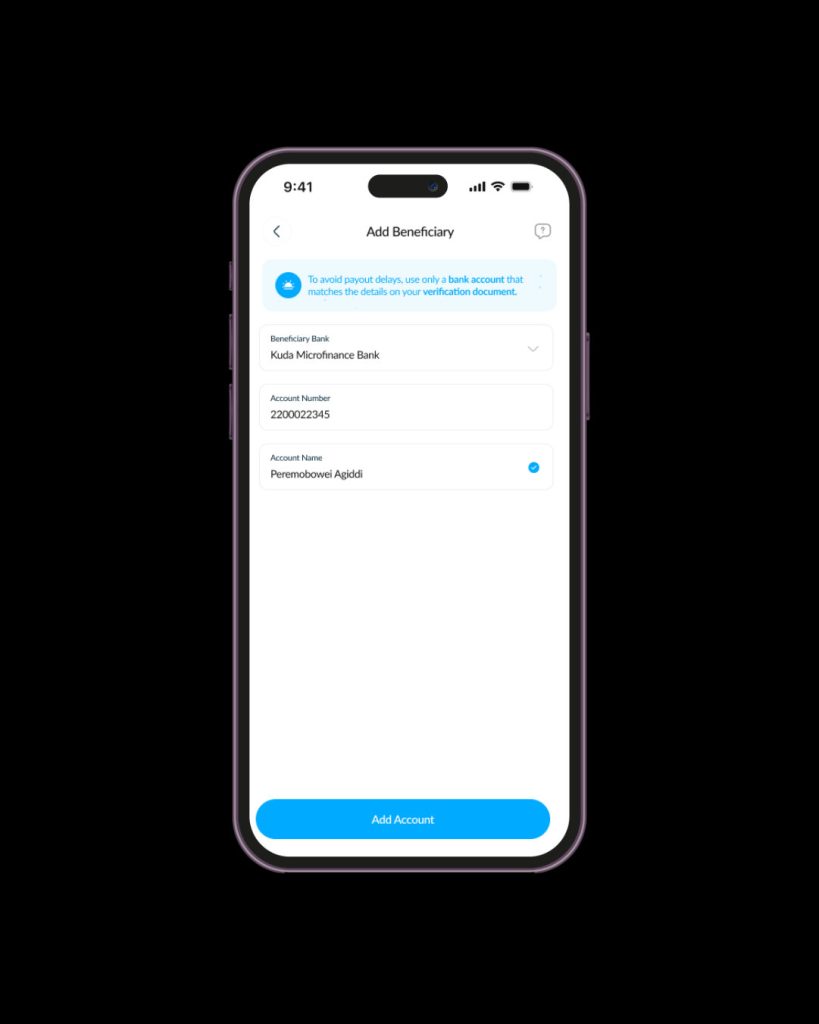
Click on “Add Account” to continue.
If your default bank account is having issues, or maybe you simply want to use another account, Vent lets you switch your default accounts whenever you want.
Here’s how to go about it:
Go to your Profile page.
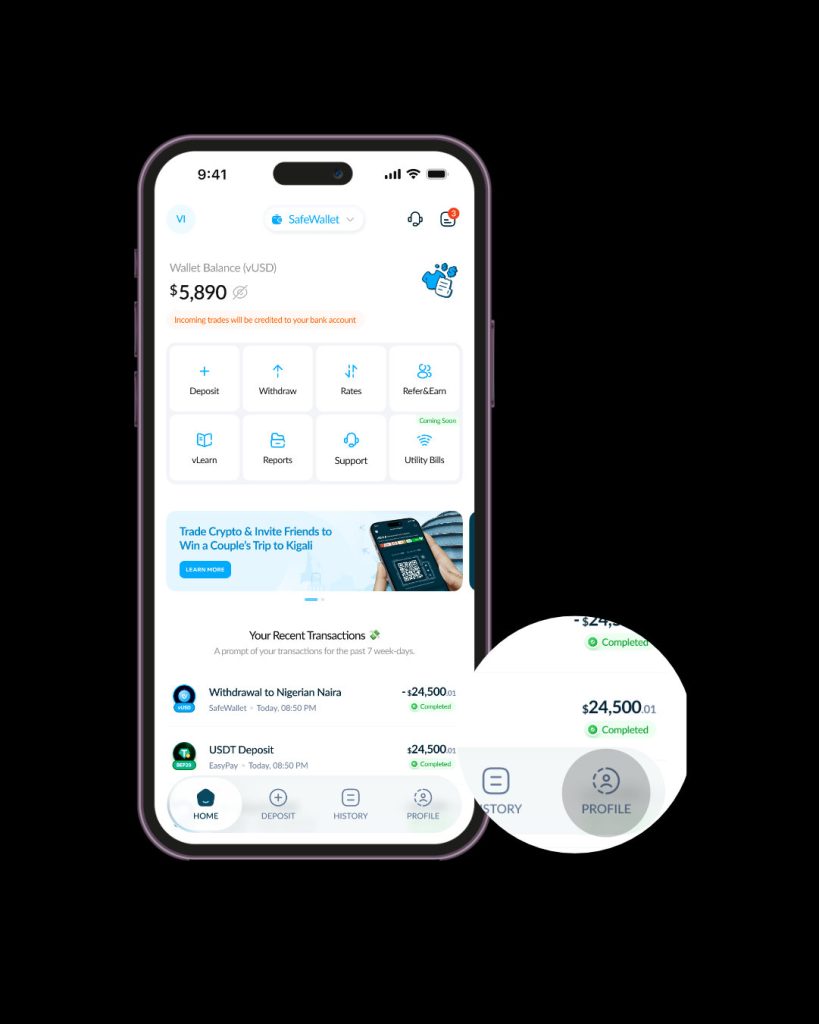
Select “Payout Preference”
Select “Payout Account”.
Locate the account you want to use as your default payout account and click on the three dots beside your new preferred default account.
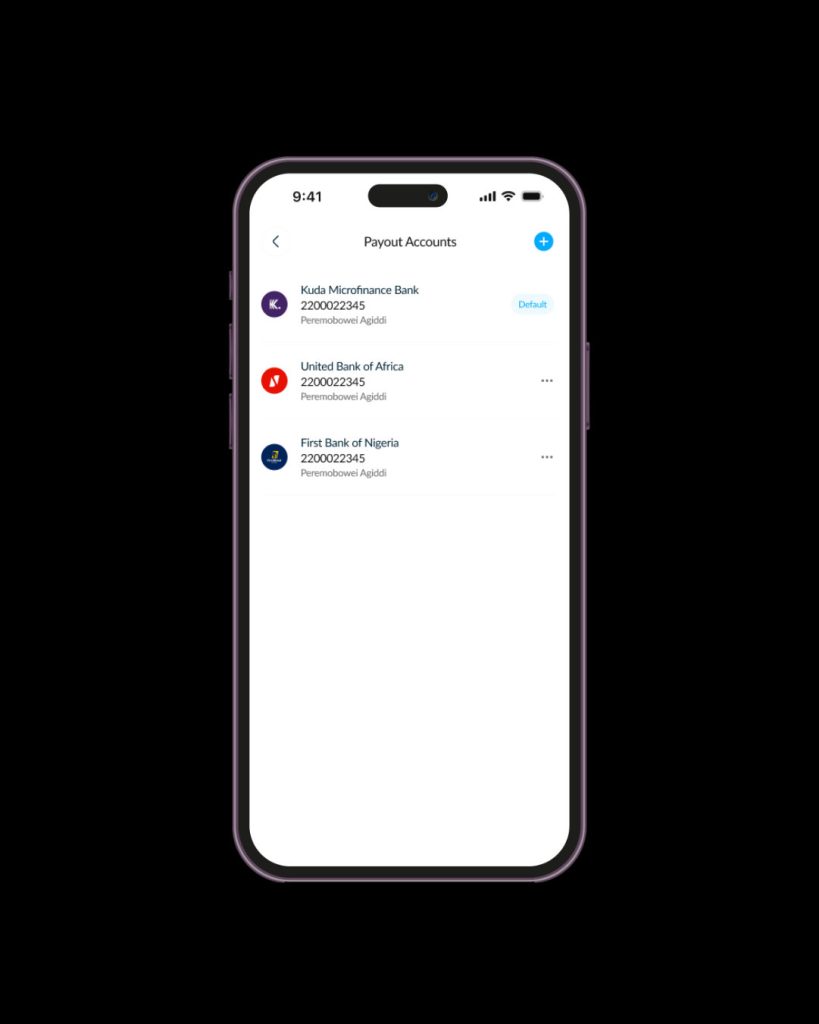
Tap “Set as default account”. Your selected default account will now receive future payouts automatically.
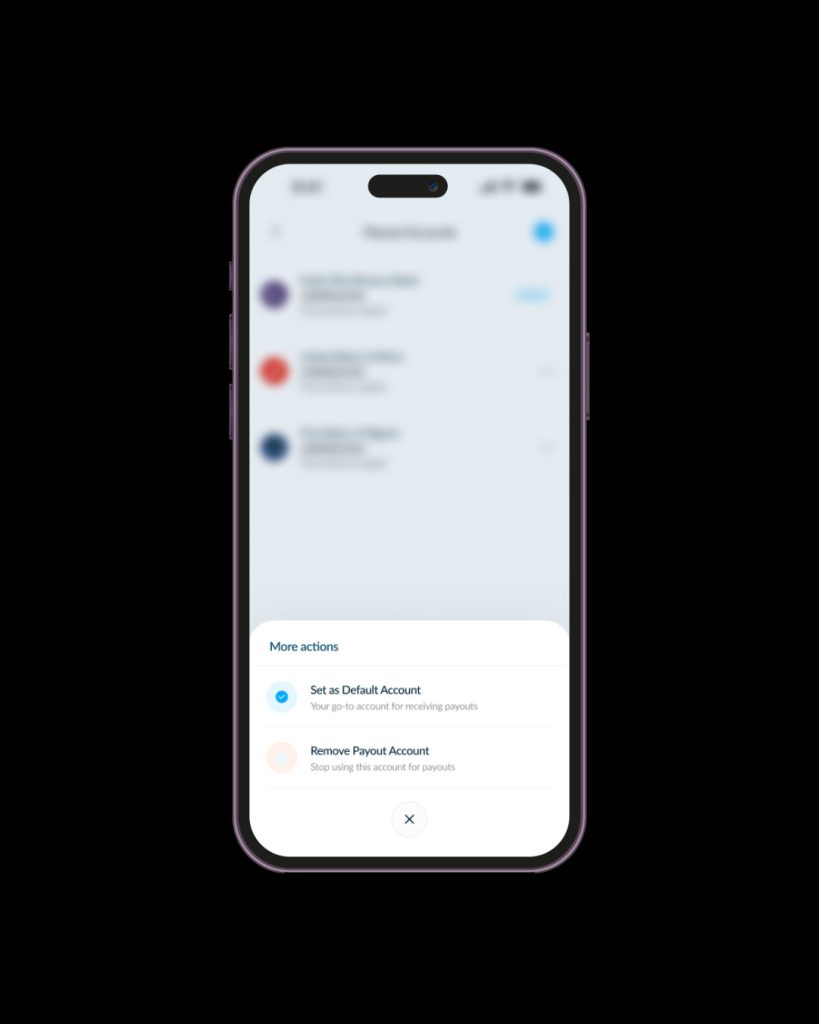
Vent allows you to add up to four BVN-linked bank accounts to your profile.
This makes it easier if you:
Things to Keep in Mind
Before updating your payout settings:
Small mistakes can delay payouts, so it’s always worth confirming everything carefully.
Managing your payout accounts shouldn’t feel complicated. Whether you’re cashing out crypto regularly, receiving freelance payments, or withdrawing from your SafeWallet balance, Vent gives you full control over where your money goes.
Add your accounts, switch defaults anytime, and enjoy smooth payouts without unnecessary stress.
Download Vent and start receiving your crypto payouts in seconds.