Vent Blog
Learn, stay informed & chill

Learn, stay informed & chill
Learn, stay informed & chill
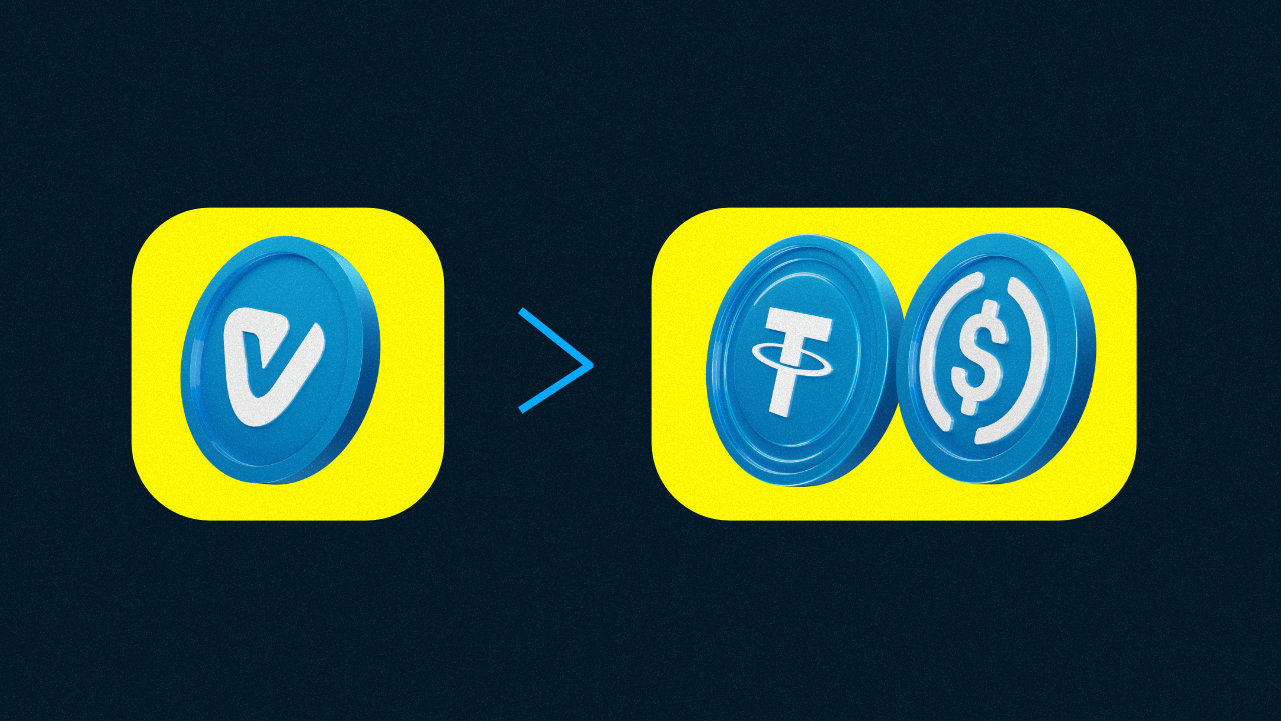
Not every crypto move ends with cashing out to Naira. Sometimes you want to hold your funds in stablecoins. Maybe you want to send money to another wallet, pay for something online, move funds to an exchange, or simply keep your money in USDT or USDC for trading later.
That’s where converting your vUSD comes in handy. Instead of going through multiple apps, P2P traders, or unnecessary transfers, Vent allows you to convert your vUSD balance into stablecoins and withdraw directly to your preferred wallet.
vUSD is a dollar-based balance on Vent that helps you store value without worrying about crypto market volatility. When you deposit supported crypto assets into SafeWallet, your funds are automatically converted into vUSD, where 1 vUSD always equals 1 USD.
Once your balance is stored as vUSD, you can:
People convert their vUSD for different reasons. Some want to send funds to Binance or Trust Wallet. Others want to pay for subscriptions, trade on exchanges, or move funds internationally without converting back to Naira first.
And since USDT and USDC are stablecoins, your funds still remain tied to the dollar.
Follow these steps:
Open the Vent app and log into your account.
Make sure your funds are already available in your SafeWallet balance as vUSD.
If you haven’t funded your SafeWallet yet, you’ll need to deposit Naira or supported crypto assets first. Once your deposit is confirmed, Vent automatically converts it to vUSD. Here’s a guide on how to do that.
On your dashboard, click on “Withdraw”
Select “withdraw on-chain” to withdraw as a stablecoin.
Enter the amount of vUSD you’ll like to withdraw. You’ll be able to see the USDT or USDC immediately.
Paste the recipient wallet address or click on the “Address book” to select any of your presaved wallet addresses.
Vent allows you to save your favorite wallet addresses to avoid errors while copying and pasting. Here’s a guide on how to do that.
Click on “Review Transaction” to confirm your transaction details.
Enter your pin to validate your transaction.
You can withdraw your USDT or USDC to supported external wallets like:
Just make sure you’re using the correct network before confirming your transaction.
Stablecoin withdrawals are usually processed quickly after confirmation.
However, processing times can sometimes depend on:
Before converting your vUSD:
Also remember that crypto transactions cannot be reversed once sent, so it’s always worth taking a few extra seconds to confirm your details.
Whether you want to trade, transfer funds, or simply hold stablecoins externally, converting your vUSD to USDT or USDC should be straightforward. With Vent, you can move your savings to stablecoin withdrawals without jumping through multiple platforms or dealing with unnecessary complications.
Just a smooth way to manage your crypto the way you want.
Download Vent and withdraw to USDT or USDC with ease.