Vent Blog
Learn, stay informed & chill

Learn, stay informed & chill
Learn, stay informed & chill
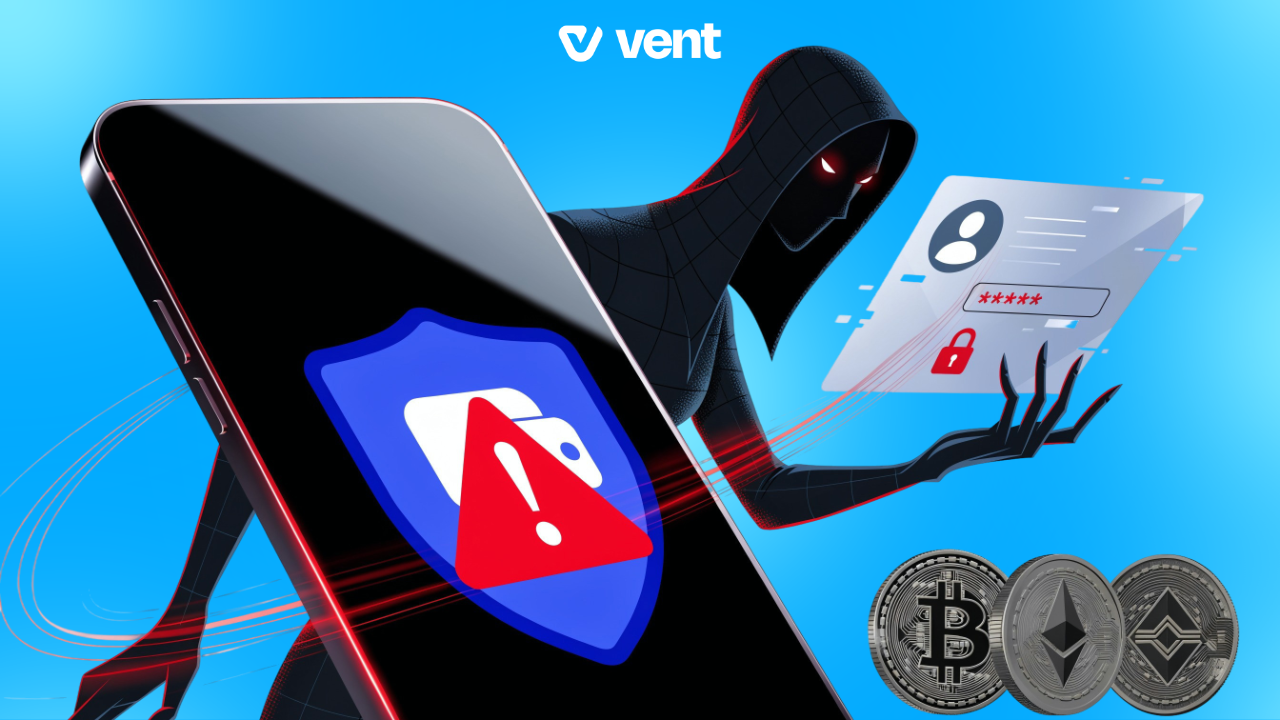
If you use an iPhone to access your crypto, there’s a new security development worth paying attention to. A newly disclosed iOS vulnerability called “worse_query” could allow malicious applications to access files belonging to other apps on the same device. This means sensitive information stored on an iPhone, including wallet recovery phrases and private keys, could potentially be exposed.
The issue caught the attention of the crypto community after Binance issued a warning on November 10, 2026, urging iPhone users to take precautions.
Normally, iPhone applications operate separately, meaning one app shouldn’t have access to another app’s private files. This protection is known as app sandboxing.
However, the worse_query vulnerability demonstrates a way to bypass these restrictions, potentially giving a malicious app access to information it shouldn’t be able to see.
For crypto holders, this is particularly concerning. If someone gains access to your wallet’s recovery phrase or private keys, they could potentially take control of your funds.
To be clear, the vulnerability has been demonstrated through a proof-of-concept, but there is no confirmed evidence that it has been used to steal cryptocurrency.
Binance’s warning specifically identified iOS 26.7.1, 27.0.1 and 27.2. The findings also identify other versions within the iOS 26 range as affected. Apple has since released iOS 27.2.1, but the research reports that the vulnerability remains unresolved in that version.
This means iPhone owners should keep an eye on official security announcements rather than assume that installing the latest update has fixed the issue.
While there’s no need to panic, there are a few precautions worth taking:
If you’re considering a wallet for managing your crypto, Vent’s SafeWallet is a reliable alternative worth exploring. You can hold your vUSD balance, withdraw to your bank account or convert it to USDT and USDC across supported networks. Your funds also benefit from Vent’s 1:1 reserve backing and separation of customer funds from company funds.
Remember, whichever wallet you choose, keep your device secure and your recovery details private.
Choosing a reliable crypto platform or wallet is important, but that’s not the whole story. The device you use to access your funds also needs to be secure.
At Vent, SafeWallet gives you a convenient way to hold your vUSD balance and manage your crypto. You can withdraw your funds to your bank account or move them into USDT or USDC across supported networks. We also back every vUSD balance 1:1 with reserves and keep customer funds separate from company funds.
Still, no wallet can replace good security habits. Keep your phone updated, protect your recovery phrase and stay alert to suspicious activity.
Download Vent and explore SafeWallet today.