Vent Blog
Learn, stay informed & chill

Learn, stay informed & chill
Learn, stay informed & chill
David had done everything right. He was sending USDT to a friend who had just completed a project for him. His friend sent his wallet address through WhatsApp, and David copied it like he had done many times before. He opened his wallet app, pasted the address, checked the amount, and clicked send.
A few minutes later, his friend sent a message: “Nothing has entered yet.” David checked the transaction, and the crypto had already been sent elsewhere. The wallet address he copied was not the wallet address he sent to. At first, it looked impossible. He didn’t click any suspicious links, share his password, or approve any strange transactions.
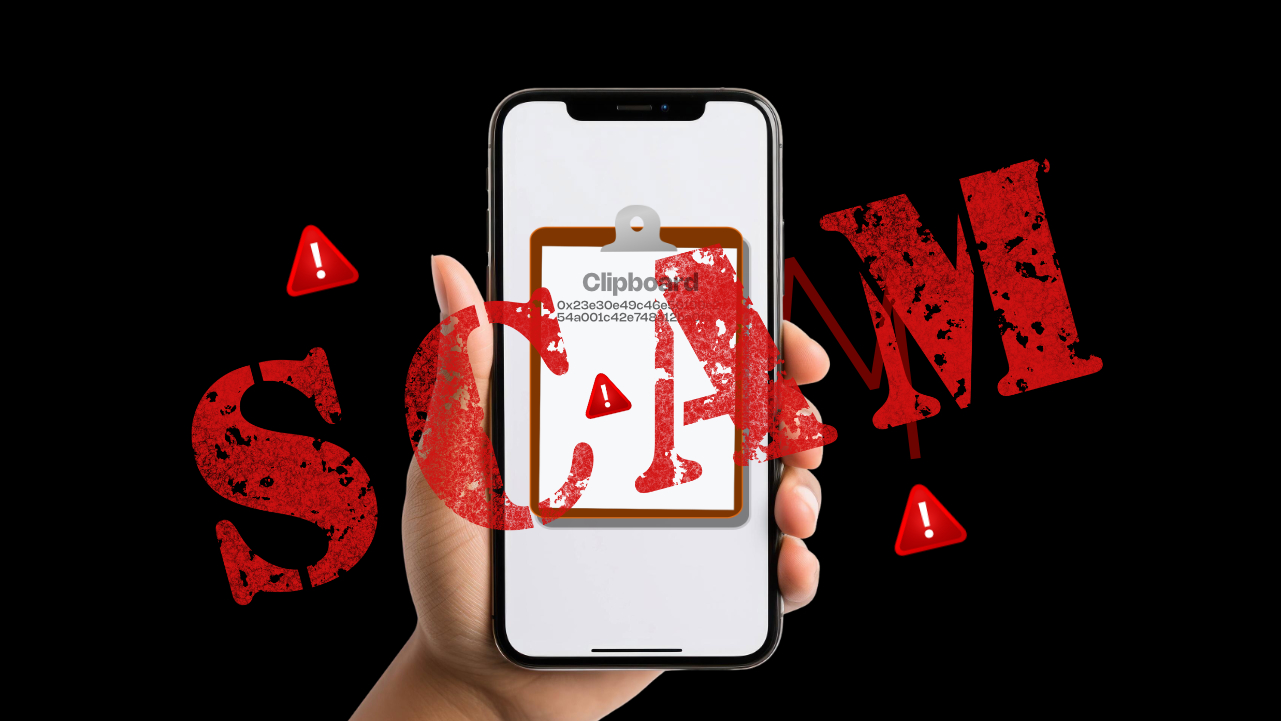
So what happened? His device had been affected by a hidden scam called clipboard hijacking. Clipboard hijacking is one of the lesser-known crypto scams because it does not always look like a scam. There is no fake investment promise. No stranger asking you to send money or any obvious warning sign.
In this article, you’ll learn about clipboard hijacking crypto scam in Nigeria, how it works, why crypto users should pay attention, and the steps you can take to protect your funds.
To understand clipboard hijacking, you first need to understand what your clipboard does. Your clipboard is the temporary storage area your device uses when you copy something.
Your device stores that information temporarily so you can paste it elsewhere. This is useful when dealing with crypto because wallet addresses are usually long strings of letters and numbers that are difficult to type by hand.
Instead of typing, you copy and paste it. The problem begins when malware gains access to your clipboard. Instead of pasting the correct wallet address, your device secretly replaces it with a scammer’s wallet address.
You think you are sending crypto to your friend’s wallet, but you actually send it to the scammer’s wallet. And because blockchain transactions are usually irreversible, recovering those funds can be extremely difficult.
Many crypto scams rely on users making mistakes.
For example:
Clipboard hijacking is different. The user may be doing everything normally.
They may:
The scam happens silently in the background. That is what makes it dangerous.
Clipboard hijacking usually happens through malware installed on a device.
Here is the process step by step.
The first step is getting malicious software onto your phone or computer.
This can happen through:
A scammer may create an app that looks like:
The app may appear normal but secretly monitors your activity.
Downloading apps from unknown websites or installing random files can expose your device to malware.
Examples include:
Some browser extensions request unnecessary permissions and can access information they should not.
Once installed, the malware waits. It monitors information that you copy, especially:
When it notices a wallet address, it prepares to replace it.
Imagine you want to send crypto to a friend.
Your friend sends their wallet address, you copy it, and everything looks normal. But before you paste it into your wallet, the malware changes the address, and you paste the wrong one without realising it.
You click send. The blockchain confirms the transaction and the crypto reaches the scammer. At this point, the transaction cannot usually be cancelled. This is why checking wallet addresses before every transaction matters.
Nigeria has one of the fastest-growing crypto communities in the world. As crypto usage grows, scammers also look for new ways to target users.
Crypto is no longer only about trading. Many Nigerians now use digital assets for:
This means more wallet addresses are being copied and shared every day. Every transaction creates an opportunity for scammers.
Many Nigerians manage crypto directly from their phones.
People commonly use:
While this makes crypto more accessible, it also means users must be careful about what they install and download.
Crypto can feel simple to buy, send, receive or hold, but security requires extra attention.
Some common mistakes include:
Scammers take advantage of these habits.
Clipboard hijacking can occur during any crypto transaction in which you copy and paste wallet information.
Here are some common situations where users can lose funds.
Chinedu needs to send USDT to his friend. His friend sends a wallet address through Telegram. Chinedu copies the address, opens his wallet, pastes it, and sends the funds. Everything looks normal. A few minutes later, his friend says: “I haven’t received anything.”
When Chinedu checks the transaction, he notices the funds went to a completely different wallet. The problem wasn’t the blockchain. The problem was that the copied wallet address had been replaced before he sent the transaction.
A Nigerian business owner hires a designer abroad and agrees to pay in crypto. The designer sends a wallet address, and the business owner copies it and transfers the payment, but the designer never receives anything.
After checking the transaction history, they discover the payment went to another wallet. In this case, both parties did everything correctly from their side. The device security issue happened before the transaction was completed.
Many crypto users move funds between:
A user may copy their own wallet address from one app and paste it into another. If their device is infected, the address can be changed without them noticing. The result? Funds meant for their own wallet end up somewhere else.
Clipboard hijacking is designed to remain hidden, but there are warning signs that something may be wrong.
Pay attention if you notice:
This is the biggest warning sign. Always compare the wallet address you copied with the address that appears after pasting. If they are different, stop immediately.
If you notice apps you do not remember installing, investigate them. Some malware disguises itself as harmless applications.
Possible warning signs include:
These signs do not always mean malware is present, but they are worth checking.
If a transaction goes somewhere you do not recognise, review your device security immediately.
The good news is that protecting yourself does not require advanced technical knowledge.
These small habits can make a big difference.
This is the most important habit. Before confirming any crypto transaction:
Check the:
Taking five seconds to verify an address can protect your entire transaction.
Only download apps from trusted platforms.
Avoid:
Many malware attacks begin with a simple download.
Software updates are not just about adding new features. They often include security improvements that protect your device from new threats.
Regularly update:
Some apps ask for access they do not need. Be careful with apps requesting access to:
If an app does not need a permission to work, do not allow it.
Security is not only about protecting your device.
It is also about choosing platforms designed with user safety in mind.
When managing crypto, use platforms that focus on:
Vent helps users manage crypto more easily through features like SafeWallet, which provides a simpler way to store and manage digital assets.
Your seed phrase is the key to your wallet.
Never share it with:
No legitimate crypto platform will ask for your seed phrase.
If you realise you have sent crypto to the wrong address, act quickly.
Do not continue using the compromised device for crypto transactions.
If you still have crypto in the wallet:
Check your device for:
Remove anything suspicious.
You can report:
While recovery is not always possible, reporting helps create awareness.
Ask yourself:
Understanding what happened helps prevent it from happening again.
Yes. Clipboard hijacking can affect any cryptocurrency transaction where wallet addresses are copied and pasted. This includes assets like Bitcoin, Solana, USDT, and other cryptocurrencies.
Yes. Mobile devices can be affected, especially when users install applications from unofficial sources or allow suspicious permissions.
The safest method is checking the address after pasting.
Compare:
Never rely only on the first few characters.
Usually, no. Blockchain transactions are generally designed to be permanent once confirmed. This is why prevention and careful verification are extremely important.
As more Nigerians use crypto for payments, savings, and international transactions, awareness of different crypto scams becomes increasingly important. Clipboard hijacking is one of the scams users should understand, as it can occur without obvious warning signs.
Crypto scams are becoming smarter. Some scams try to convince you to send money or promise unrealistic returns, while others pretend to offer exclusive opportunities.
Clipboard hijacking is different. It hides behind something most people do every day: Copy and paste. You are not ignoring a warning sign. You are simply making a normal transaction. That is why awareness matters.
Before sending crypto, take a few extra seconds to confirm the wallet address. That small habit can protect your funds from a scam that many people do not even know exists.
Whether you are sending crypto, saving digital assets, or using crypto for everyday payments, security should always come first. Start using Vent and manage your crypto with confidence.